27
Appendix C. Firmware Upgrade
The firmware of a Go2Nova
®
8408 hand controller can be upgraded by the customer. Please check
iOptron’s website, www.iOptron.com
, under Support Directory, for the most up to date firmware.
To upgrade the firmware, you need some or all of the following software/hardware, depends on the
upgrading you are performing:
• iOptron Upgrade Utility Program
• 8408 hand controller firmware
• RJ9 serial port to RS232 cable
• USB to RS232 converter and driver. If your computer does not equip a RS232 port (9-pin D-shape
connector) except the USB port, you need to buy a USB to RS232 converter, form a computer
hardware store or on-line.
1. Prepare the hardware
In order to perform the firmware upgrade, as well as to use planetarium software to control the
mount via a 8408 hand controller, the communication between the PC and hand controller or mount has to
be established.
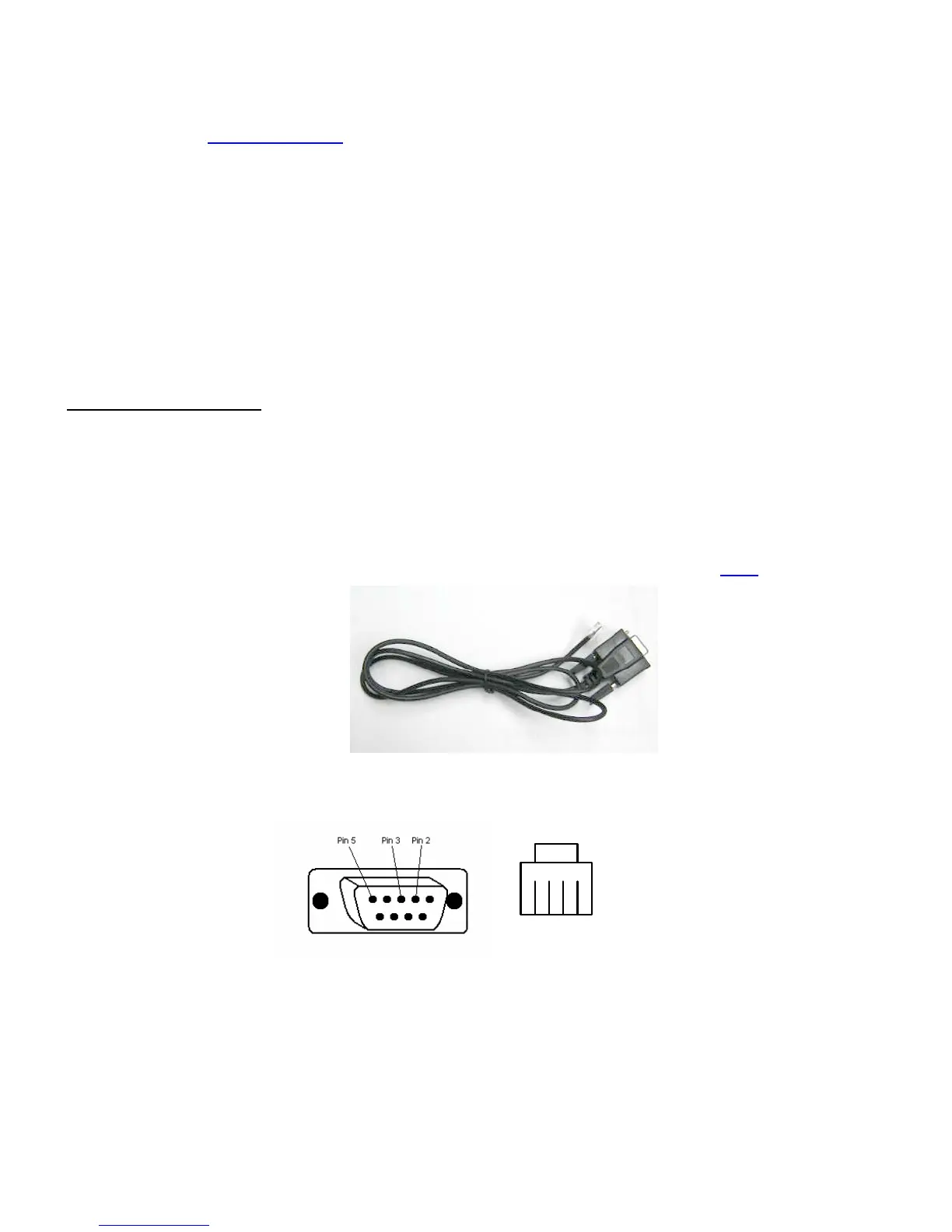
RJ9 to RS232 cable
The firmware upgrade and computer controller is through a RJ9 serial port on a Go2Nova
®
8408
hand controller. You need a cable to connect this port to the serial port of a computer. Here is a sample of a
RJ9 to RS232 serial cable. It is also available from iOptron online store (iOptron item# 8412
).
If you are making your own cable, here is the wiring instruction:
1 2 3 4
RS232 connector (female) RJ9 plug
Wiring
RS232 RJ9
24
33
5 1
USB to RS232 converter
If you are using a computer only has USB ports, like most laptops do, you need a USB to COM
converter to convert one USB port to a COM (RS232) port. Here are two examples of USB2COM
converters. We recommend a converter with a Prolific PL2303 chip set.



 To Next Page