26/39
C.A/V Setting
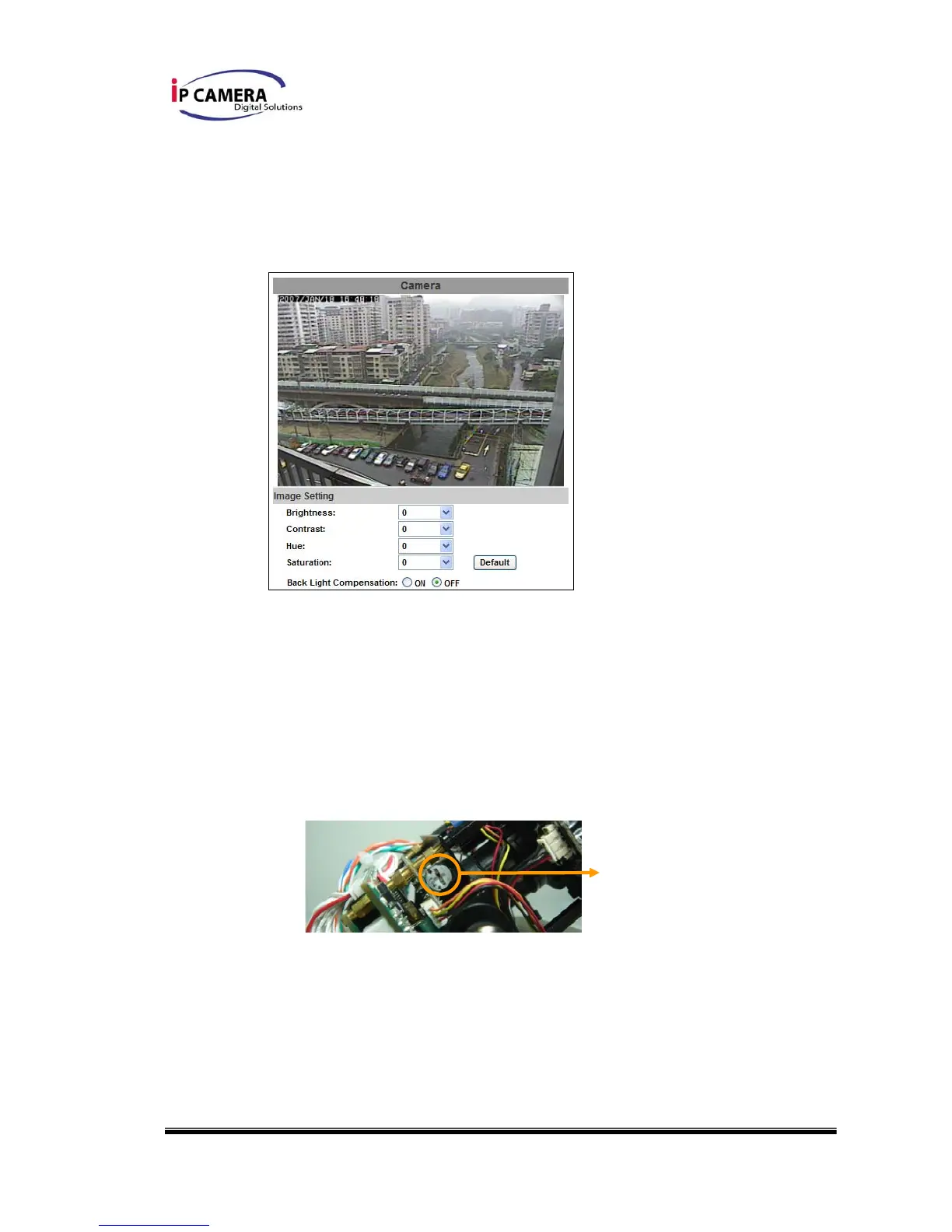
i、 Image Setting
Adjust “Brightness”, “Contrast”, “Hue”, “Saturation” to get clear video. If
needed, please select “Back Light Compensation” ON to compensate
back light situation
ii、 This is an Auto Iris IP Camera. If the video is over bright or over exposed,
please adjust the Auto Iris Level to improve the video
a. Before adjust Auto Iris Level, please turn off the Back Light
Compensation
b. Please refer to following diagram to make proper Auto Iris Level
adjustment
iii、 Video Setting
User may select 2 streaming output simultaneously:
Streaming 1 Setting: Basic mode and Advanced mode
Streaming 2 Setting: Basic mode, Advanced mode, and 3GPP mode
(Max Video Frame Rate for both streaming combined is 30 FPS)
Auto Iris Level



 To Next Page