6/39
Delete files Yes
Web browsing requirement
OS Windows 2000, XP, 2003, Microsoft IE 6.0 or above
Hardware Suggested
Intel-C 2.0G, RAM:512MB, Graphic card:64MB
Minimum
Intel-C 1.6G, RAM:256MB, Graphic card:32MB
III. Product Installation
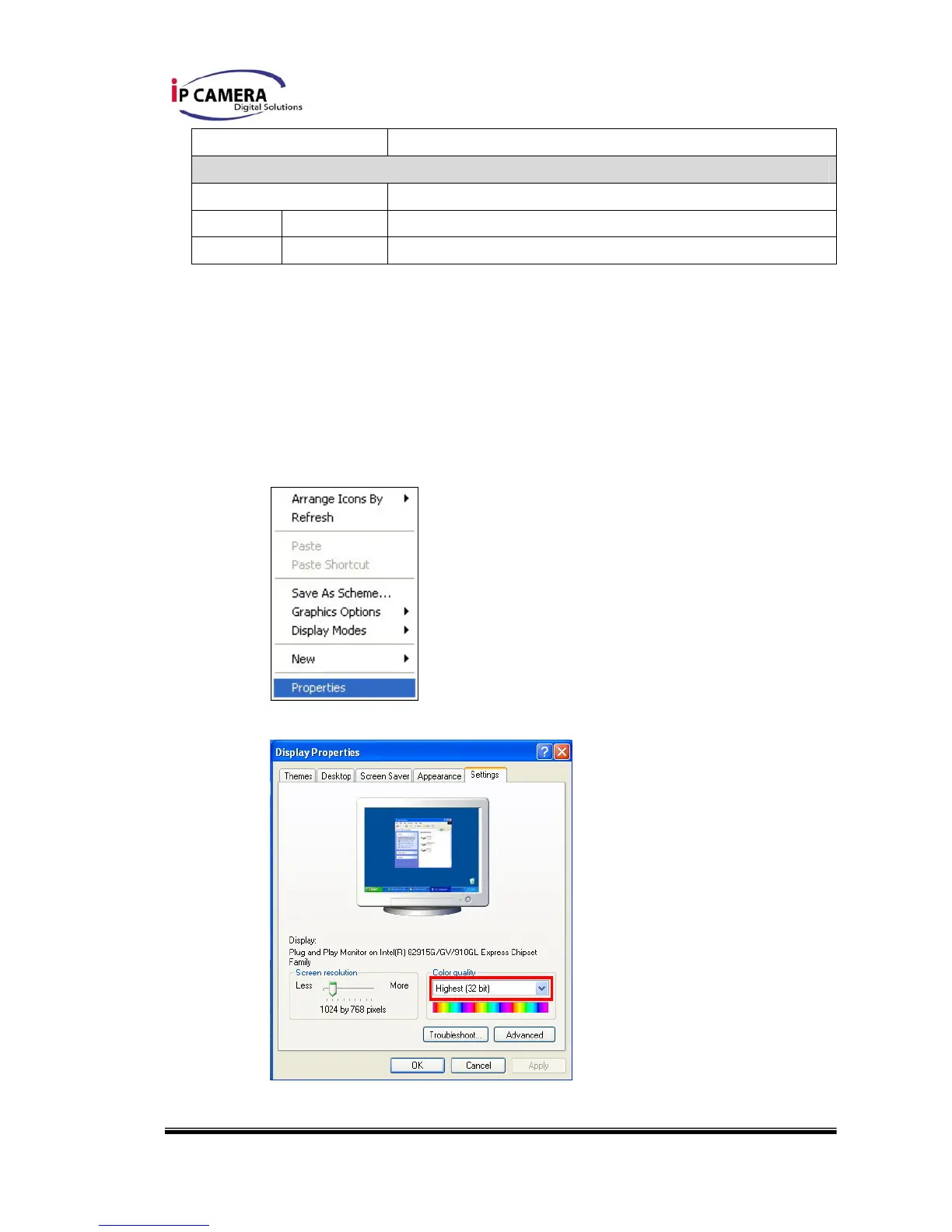
A. Monitor Setting
i. Right-Click on the desktop. Select “ Properties”.
ii. Change color quality to highest (32bit).



 To Next Page