37/39
VI. Network Configuration
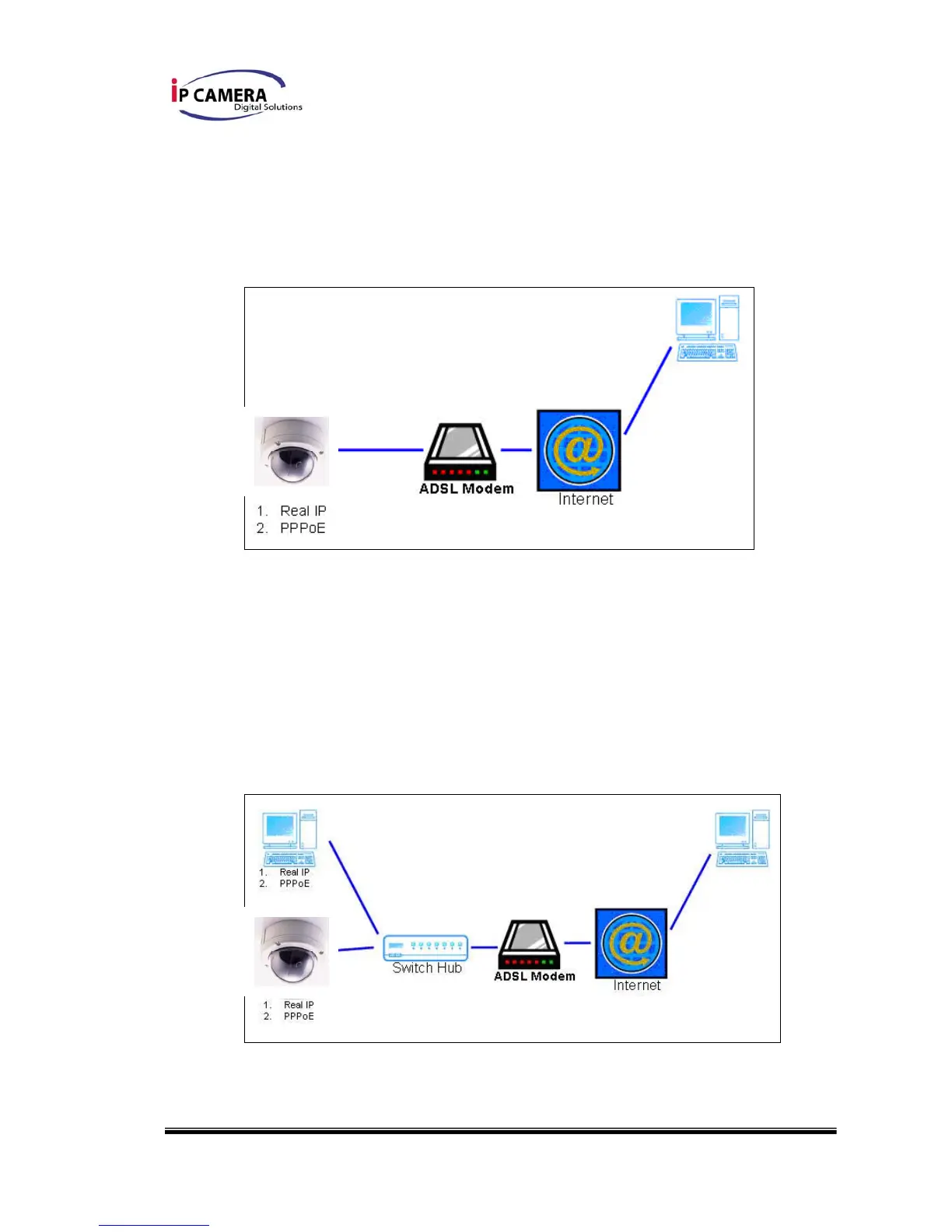
i、 Configuration 1:
a. Internet Access:ADSL or Cable Modem
b. IP address:One real IP or one dynamic IP
c. Only IP Vandal Dome connects to the internet
d. For fixed real IP, set up the IP into IP Vandal Dome. For dynamic IP,
start PPPoE.
ii、 Configuration 2:
a. Internet Access:ADSL or Cable Modem



 To Next Page