32/39
1. Fix Resolution:
QCIF – 176×120 / 176×144
2. Bitrate Control Mode
There are CBR﹝Constant Bit Rate﹞ and VBR﹝Variable Bit Rate﹞
to use.
CBR:64Kbps~4Mbps (the higher the CBR is, the better the
video quality is)
VBR:1~10 (Compression Rate)
3. Video Frame Rate ( 5 FPS is recommended )
The video refreshing rate per second.
4. GOP Size
It means "Group of Pictures". The higher the GOP is, the better
the quality is.
5. Video Format:MPEG4 or JPEG
6. Access Name: RTSP output name
7. 3GPP: 3GPP output name
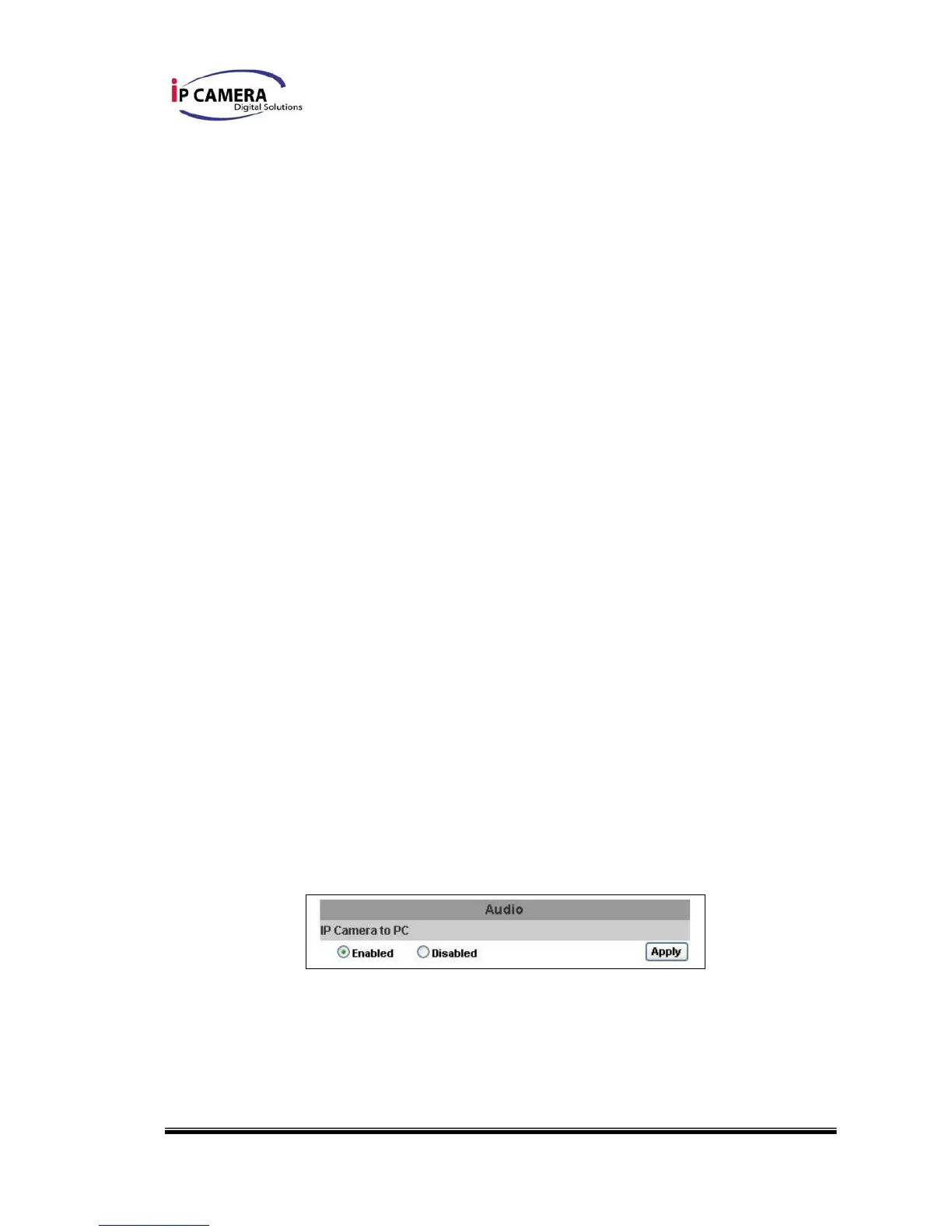
iv、 Audio:
IP Vandal Dome supports 2-way audio.
a. For IP camera to local PC, select “Enable” to start this function
(When enabled, you can send audio via external mic in the IP
Camera)
b. For local PC to IP camera, check “chatting” in the browsing page
(You will need a mic to send audio from local PC to IP Camera)



 To Next Page