Using iPod 37
To transfer photos from a folder on your hard disk to iPod:
1 Drag the images you want into a folder on your computer.
If you want images to appear in separate photo albums on iPod, create folders inside
the main image folder, and drag images into the new folders.
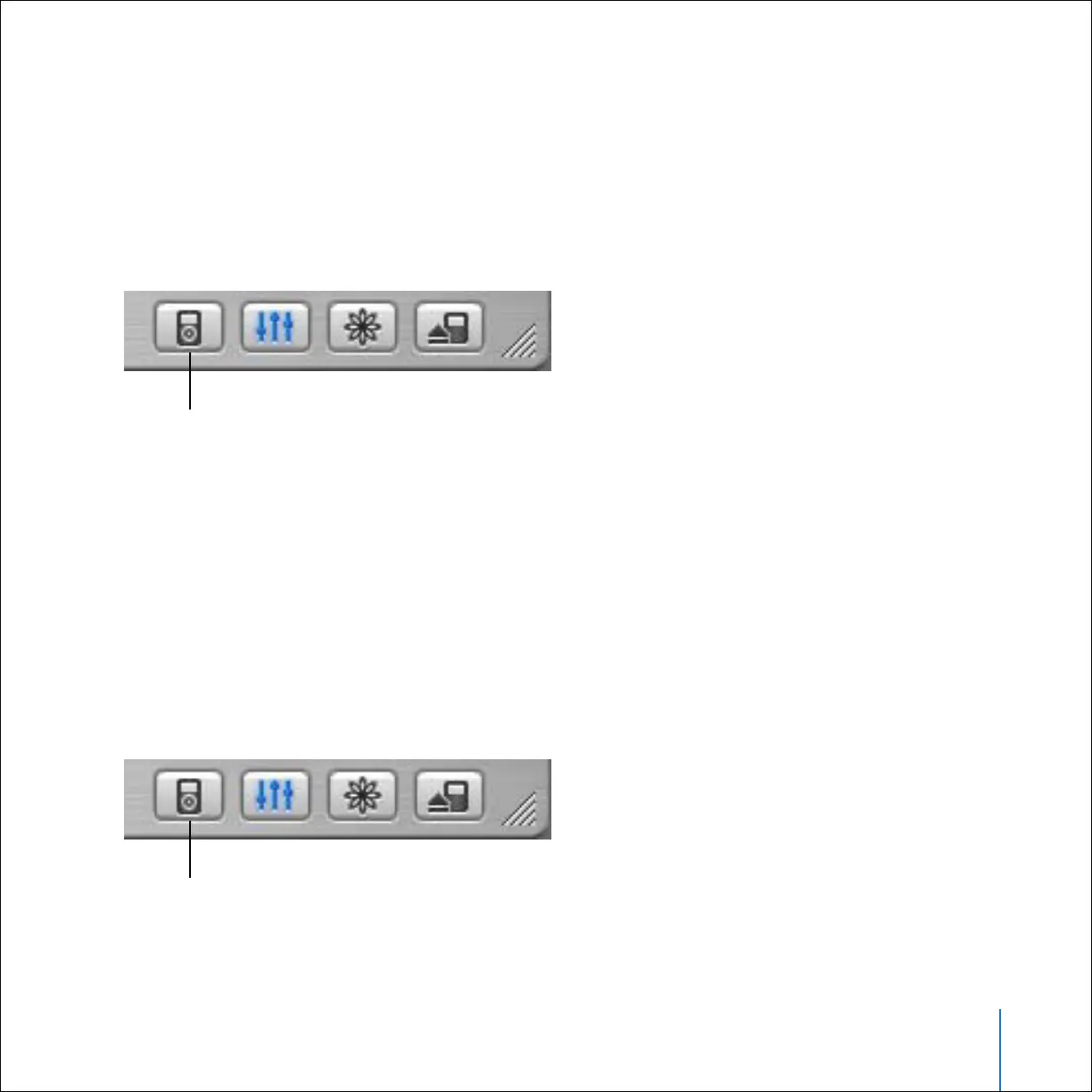
2 Open iTunes and select iPod in the iTunes Source list. Then click the Options button.
3 Click Photos and select “Synchronize photos from.”
4 Choose “Choose Folder” from the pop-up menu and select your image folder.
To transfer full-resolution image files to iPod:
When you transfer photos to iPod, iTunes optimizes the photos for viewing. Full-
resolution image files aren’t transferred by default. Transferring full-resolution image
files is useful if you want to store your images or move them from one computer to
another, but is not necessary to view the images at full quality on iPod.
1 Open iTunes and select iPod in the iTunes Source list. Then click the Options button.
Options button
Options button



 To Next Page