Quick Start 5
What You Need to Get Started
To use iPod with a Macintosh, you must have:
• A Macintosh with:
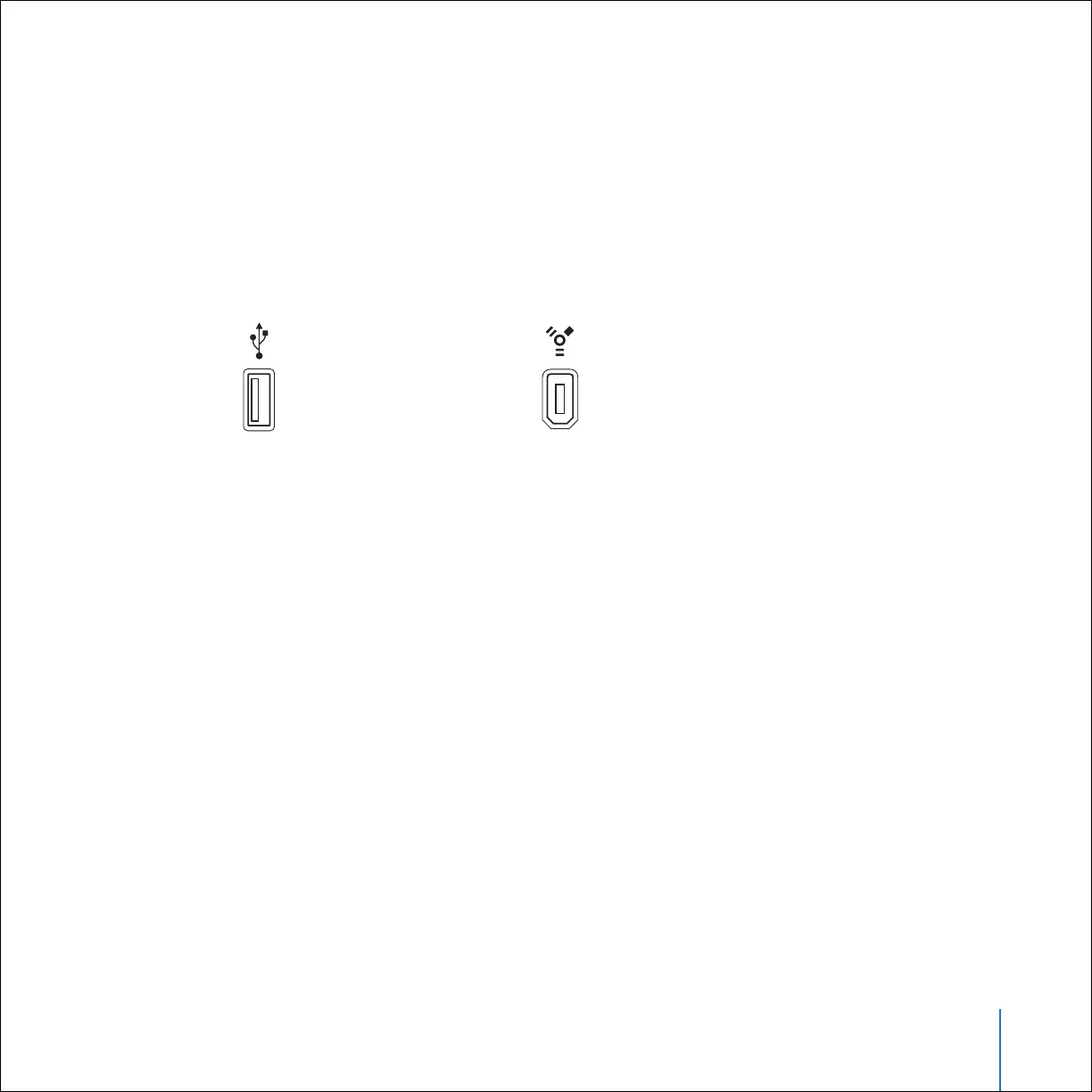
• Built-in high-power USB 2.0
• Or built-in FireWire and the optional iPod Dock Connector to FireWire Cable
(available for purchase at www.apple.com/ipodstore)
• Mac OS X v10.2.8, or Mac OS X v10.3.4 or later
• iTunes 4.7 or later (included on the iPod CD)
To be sure you have the latest version of iTunes, go to www.apple.com/itunes.
• iPod software (included on the iPod CD)
• iPhoto 4.0.3 or later (recommended for transferring photos and albums to iPod)
Note: iPhoto may already be installed on your Mac. Check the Applications folder.
iPhoto is also part of a suite of applications called iLife, available for purchase at
www.apple.com/ilife. If you have iPhoto 4 you can update it by choosing Apple () >
Software Update. This software is optional. iPod can also import digital photos from
folders on your computer’s hard disk, and directly from most digital cameras (using
the optional iPod Camera Connector).
High-power USB 2.0 port
6-pin FireWire 400 port



 To Next Page