8 Quick Start
Setting Up iPod to Play Music
To set up iPod, you charge the battery, install software from the iPod CD, and import
songs from your music CD collection or from the iTunes Music Store (available in some
countries only). Then you transfer the songs to iPod for listening on the go.
To import and view photos on iPod, follow the instructions in this chapter to set up
iPod, then see “Transferring and Viewing Digital Photos” on page 34.
Step 1: Charge the Battery
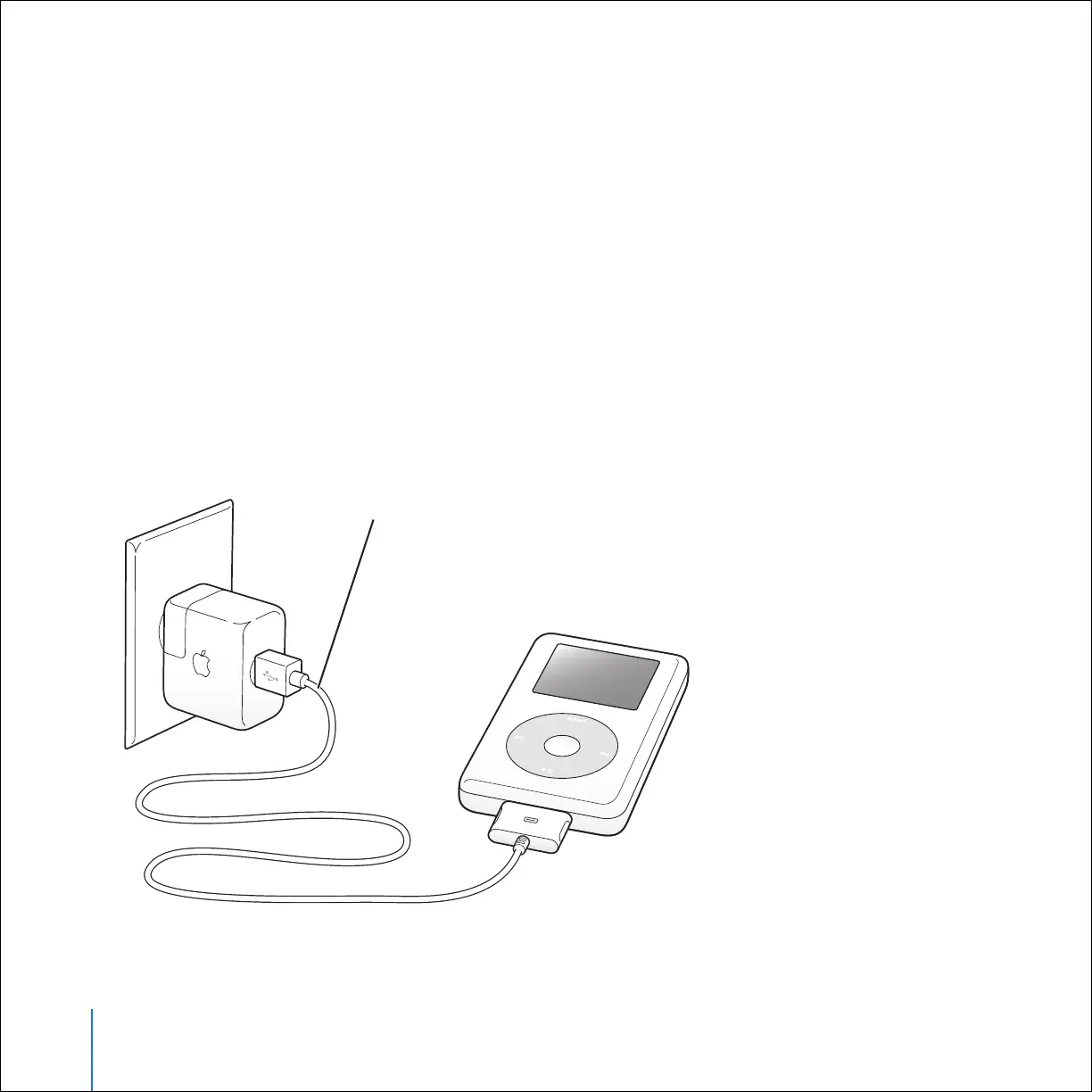
Connect iPod to the iPod Power Adapter using the iPod Dock Connector to USB 2.0
Cable. The built-in battery is 80-percent charged in about three hours, and fully
charged in about five hours.
iPod Dock Connector to USB 2.0 Cable



 To Next Page