3
30
3 Photo Features
With iPod nano, you can scroll through your photos
the same way you scroll through your songs. Read this
section to learn about using the photo and viewing
features of your iPod nano.
Downloading Photos
You can import digital photos from a digital camera to your computer, and then
download them to store and view on iPod nano.
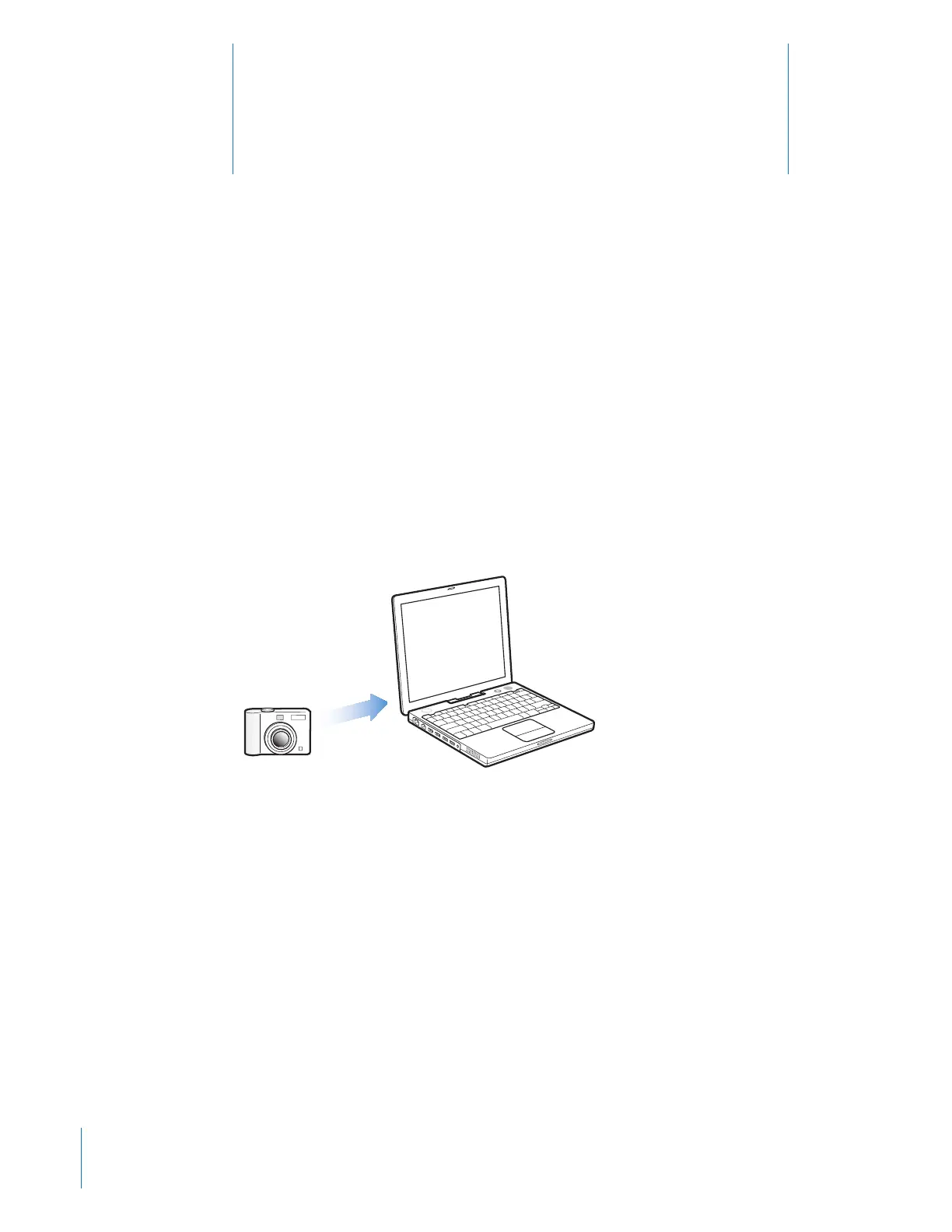
Importing Photos from a Camera to Your Computer
You can import photos from a digital camera or a photo card reader.
To import photos to a Mac using iPhoto:
1 Connect the camera or photo card reader to your computer. Open iPhoto (inside the
Applications folder) if it doesn’t open automatically.
2 Click Import.
Images from the camera are imported into iPhoto.
You can import other digital images into iPhoto, such as images you download from
the web. For more information about importing and working with photos and other
images, open iPhoto and choose Help > iPhoto Help.



 To Next Page