1
4
1
iPod nano Basics
Congratulations on purchasing your iPod nano. Read this
section to learn about the features of your iPod nano,
how to use its controls, and more.
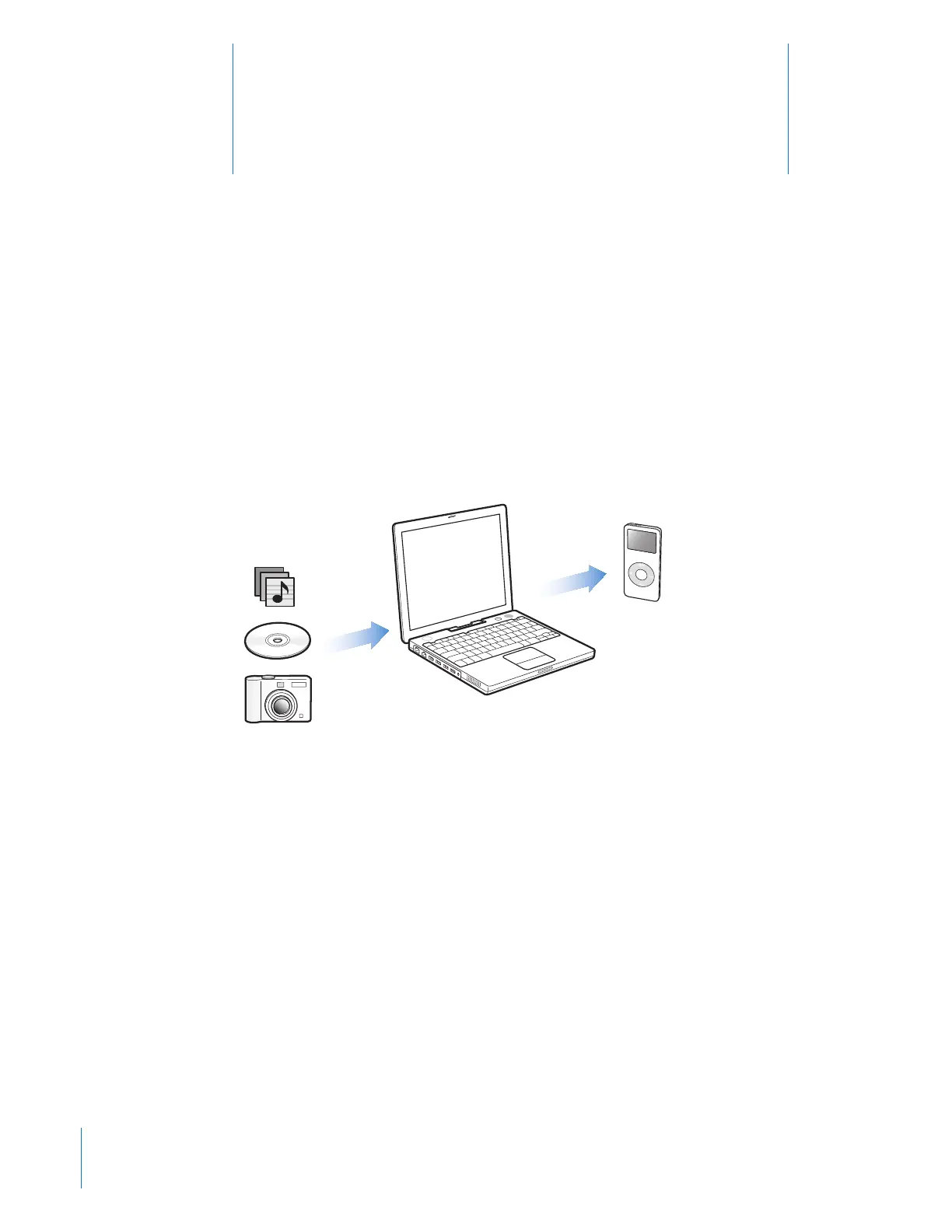
To use iPod nano, you put music, photos, and other files on your computer and then
download them to iPod nano.
iPod nano is a music player and much more. With iPod nano, you can:
 Store hundreds of songs and digital photos for listening and viewing on the go
 Listen to podcasts, downloadable radio-style shows delivered over the Internet
 Listen to audiobooks purchased from the iTunes Music Store or audible.com
 Store or back up files and other data, using iPod nano as an external disk
 Store and synchronize contact, calendar, and to-do list information from
your computer
 Play games, store text notes, set an alarm, and more



 To Next Page