Using iPod 53
The next time you want to sync iPod, you can simply open iSync and click Sync Now.
You can also choose to have iPod sync automatically when you connect it.
Note: iSync transfers information from your computer to iPod. You can’t use iSync to
transfer information from your iPod to your computer.
If you are using Mac OS X v10.4 or later, you can use iTunes to synchronize your
Address Book contacts and iCal calendar information.
To import contact or calendar information (using Mac OS X v10.4 or later):
1 Connect iPod to your computer.
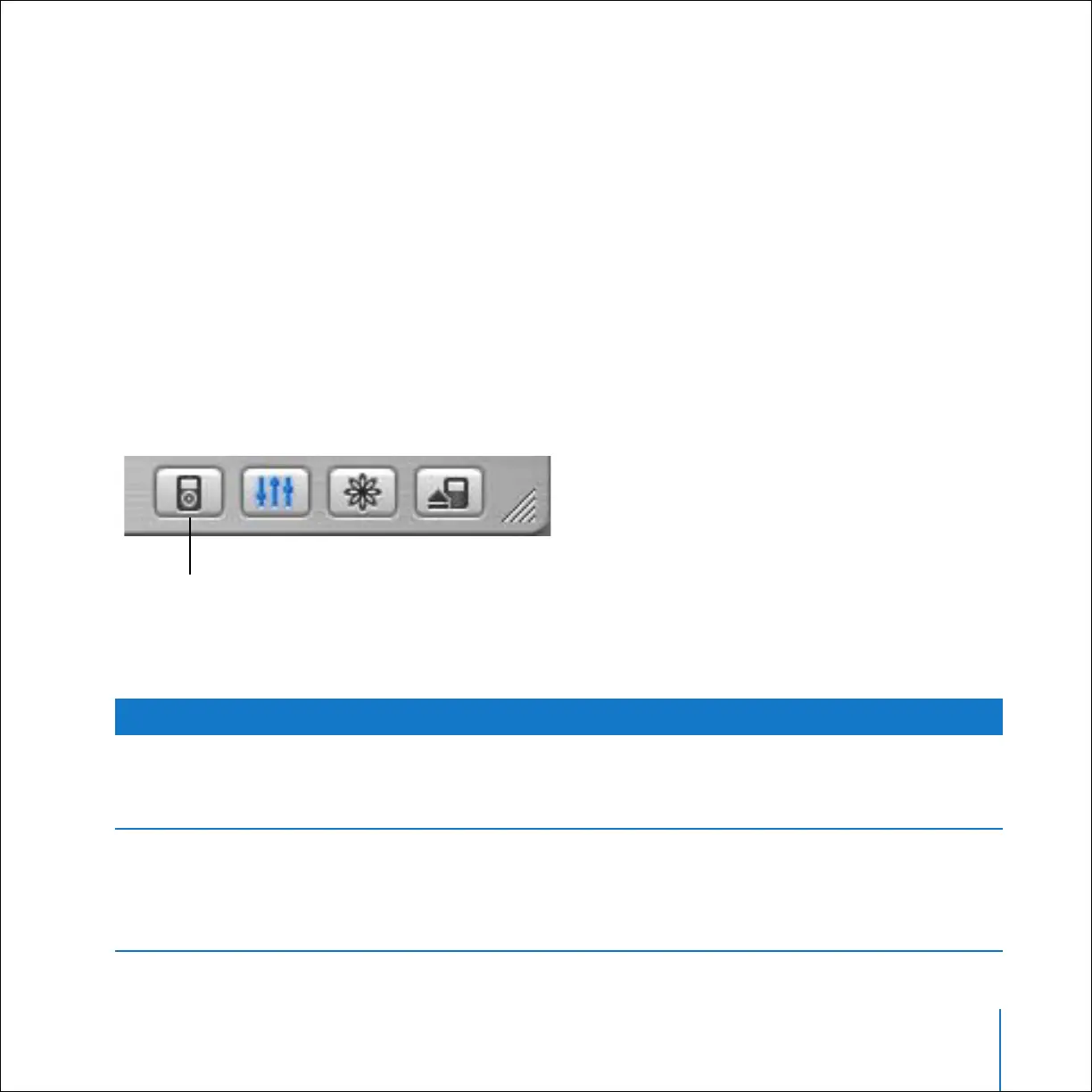
2 In iTunes, select iPod in the Source list and click the Options button.
To update contacts, click Contacts, click “Synchronize Address Book contacts,” and select
an option.
Options button
To Do This
Update all contacts
automatically
Select “Synchronize all contacts.”
When you click OK, iTunes updates iPod with the Address Book
contact information on your Mac.
Update selected groups of
contacts automatically
Select “Synchronize selected groups only” and select the
checkboxes next to the groups you want to update.
When you click OK, iTunes updates iPod with contact
information from your selected Address Book groups.



 To Next Page