Using iPod 59
Battery States
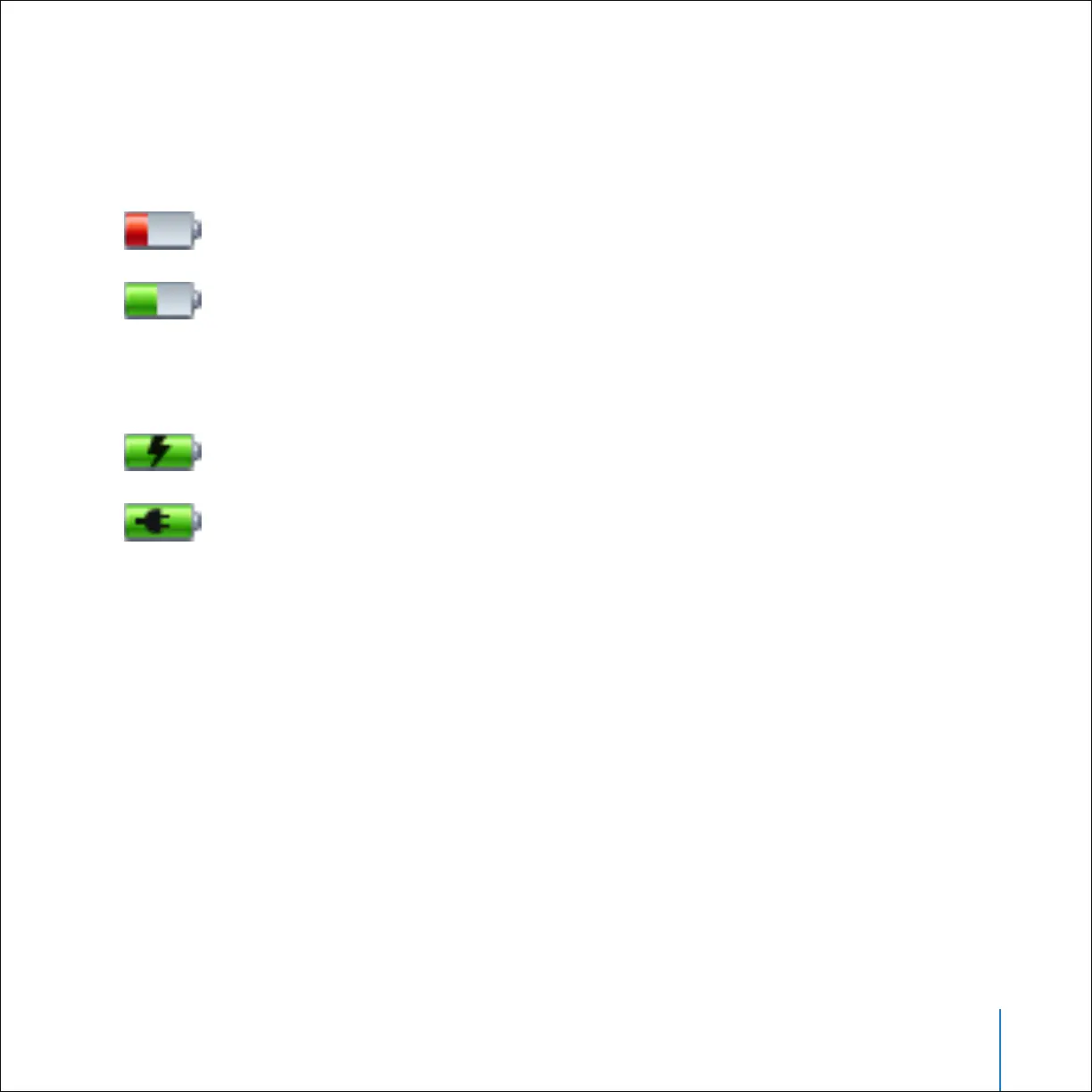
When iPod is not connected to a power source, a battery icon in the top-right corner of
the iPod screen shows about how much charge is left.
If iPod is connected to a power source, the battery icon changes to show that the
battery is charging or fully charged.
You can disconnect and use iPod before it is fully charged.
Note: Rechargeable batteries have a limited number of charge cycles and may
eventually need to be replaced. Battery life and number of charge cycles vary by use
and settings. For more information, go to www.apple.com/batteries.
Battery less than 20% charged
Battery about halfway charged
Battery charging
Battery fully charged



 To Next Page