Chapter 1 iPod nano Basics 11
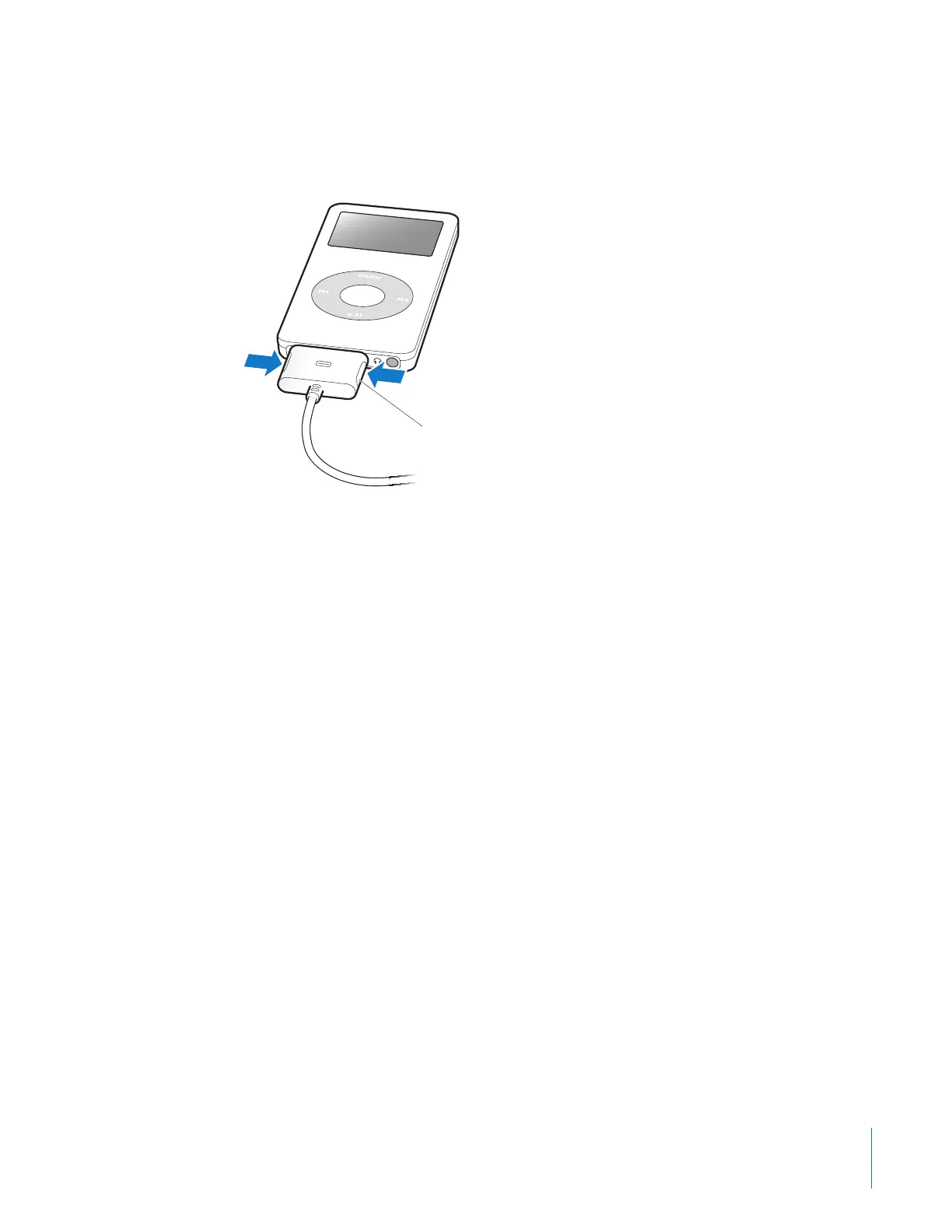
To disconnect iPod nano:
1 Unplug the headphones if they’re attached.
2 Squeeze both sides of the Dock connector to disconnect the cable from iPod nano.
About the iPod nano Battery
iPod nano has an internal, non-user-replaceable battery. For best results, the first time
you use iPod nano, let it charge for about three hours or until the battery icon in the
top-right corner of the iPod nano display shows that the battery is fully charged. If iPod
nano isn’t used for a while, the battery might need to be charged.
The iPod nano battery is 80-percent charged in about two hours and fully charged in
about three hours. If you charge iPod nano while downloading files, playing music, or
viewing a slideshow, it might take longer.
To remove the connector from your iPod nano,
squeeze the buttons on the sides and pull.



 To Next Page