Quick Start 11
If your Windows PC doesn’t have a high-power USB 2.0 port or a 6-pin FireWire 400 (IEEE
1394) port, you can purchase and install a USB 2.0 card or a FireWire card.
For more information on cables and compatible USB and FireWire cards, go to
www.apple.com/ipod.
Step 5: Play Music
When the song transfer is complete, a message on the iPod screen says “OK to
disconnect.” Squeeze both sides of the Dock connector to disconnect the cable from
iPod.
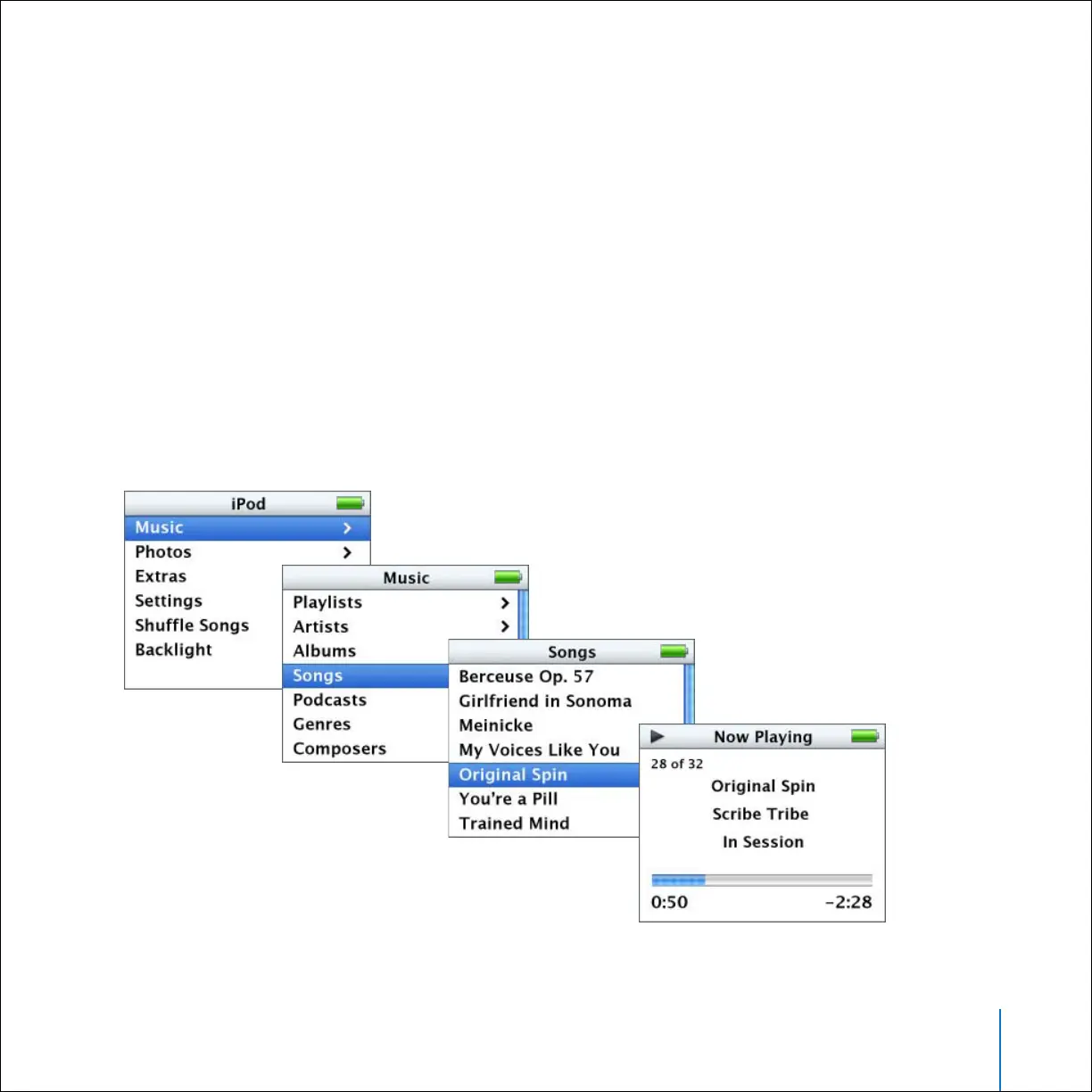
Then use the Click Wheel and Select button to browse for a song. Press the Play or
Select button and enjoy!



 To Next Page