20 Using iPod
If you connect iPod to a different computer and it is set to transfer songs automatically,
iTunes prompts you before transferring any music.
Disconnecting iPod
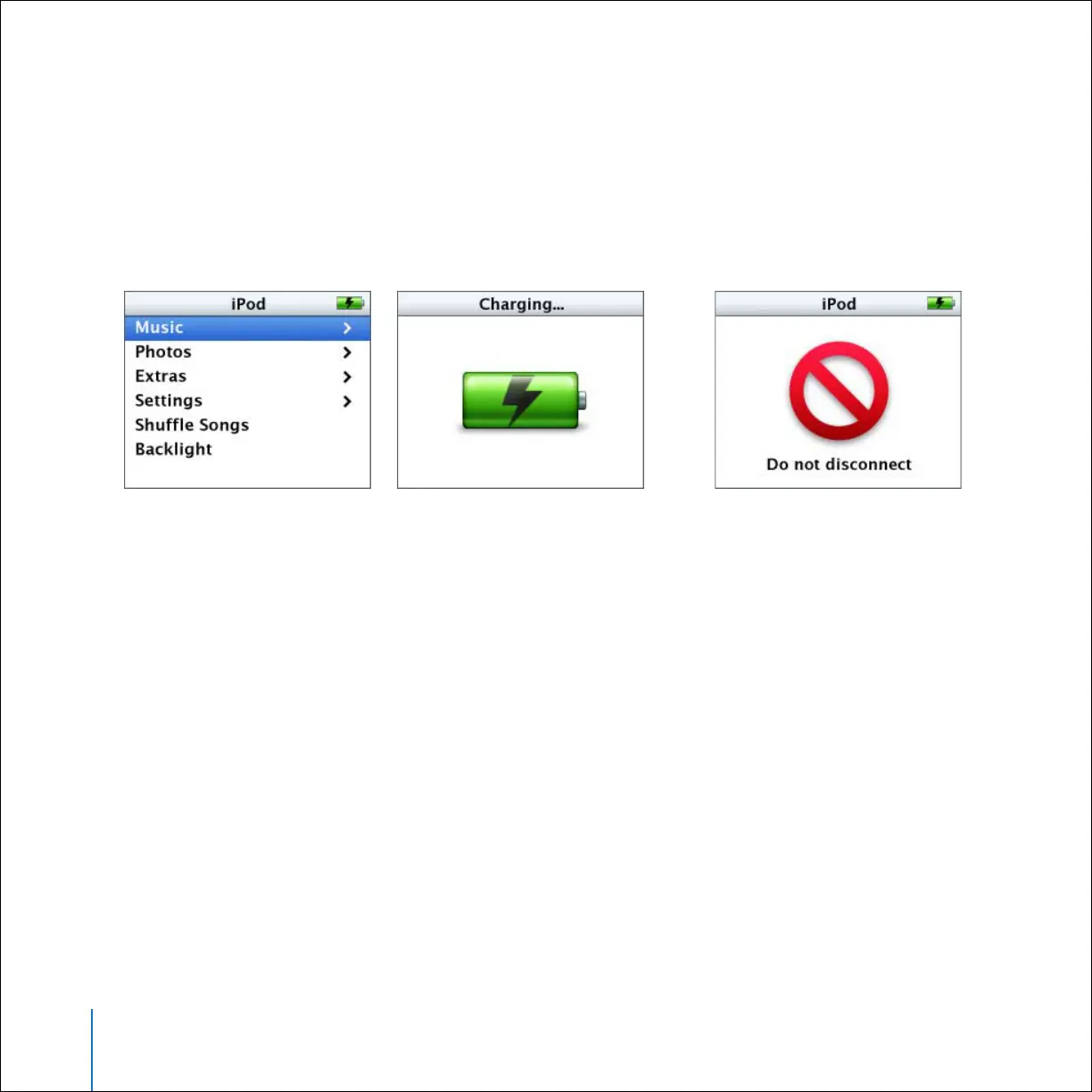
You shouldn’t disconnect iPod while music is being transferred. You can easily see if it’s
OK to disconnect iPod by looking at the screen.
If you set iPod to transfer songs manually (see page 29) or enable iPod for disk use (see
page 50), you must eject iPod before disconnecting it.
If you see the main menu
or a large battery icon,
you can disconnect iPod
from your computer.
If you see this message,
you must eject iPod
before disconnecting it
from your computer.



 To Next Page