Page 11
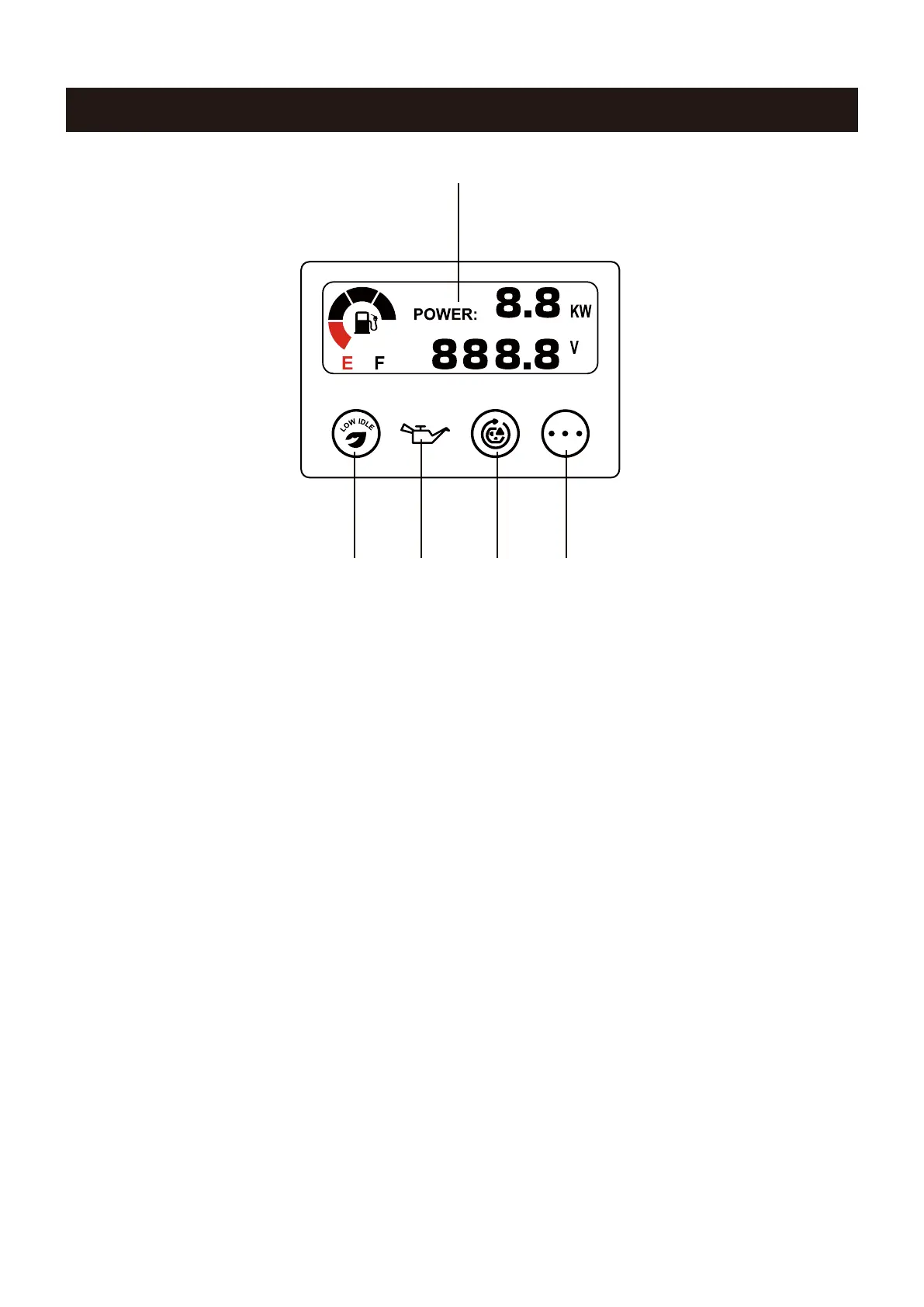
LED Data Center
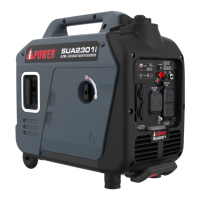
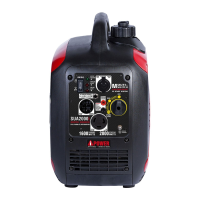
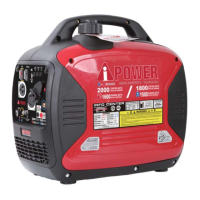
CONTROL PANEL FEATURES
1. LED Multi-Meter: Displays voltage,power,fuel level,
frequency, and running time.
2. Low Idle Push Button: Low idle minimizes the fuel
consumption and noise by adjusting the engine speed
to the minimum required for the current load.
3. Low Oil Indicator LED(Red): Illuminates when the
engine oil level falls below the safe operating level and
the generator will automatically shut off the engine. The
engine will not start until the proper amount of oil is in the
crankcase.
5. Select Button: Push this button to show the voltage,
power, fuel level, frequency or total running time in
LED Multi-Meter.
4. Overload Reset Button with Indicator Light: The
indicator light is green when the inverter is running under
rated load. The indicator light will turn to blinking red or
solid red when the rated load is exceeded. When the
maximum load is reached, the inverter will automatically
cut off all AC outputs to protect the inverter. Press the
overload reset button to restore the power without
stopping the engine.
2 3 4 5
1


 To Next Page