18/44
1. Real-Time Display panel shows live streaming of video information
remotely.
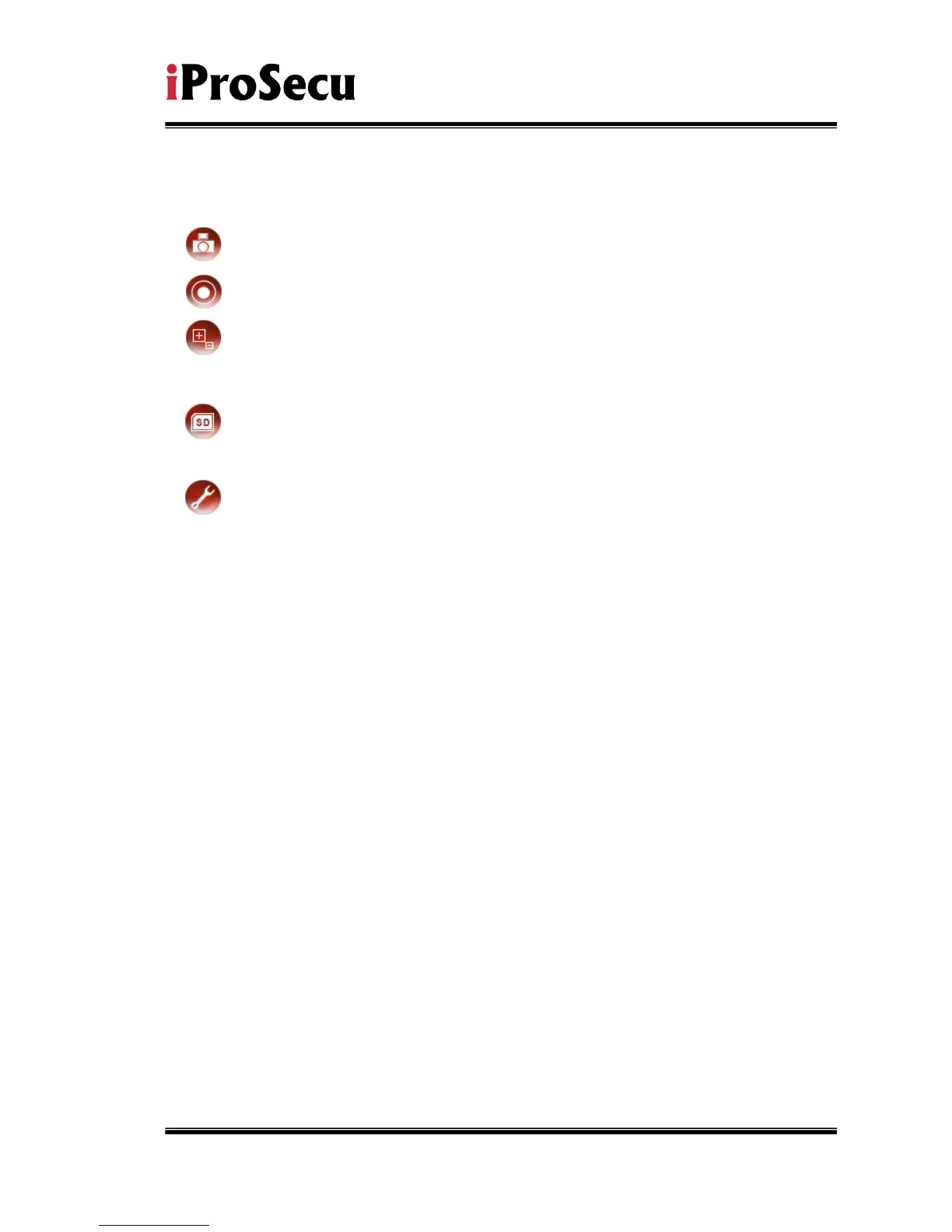
2. Snapshot an Evidence of important event in still JPEG format.
3. Recording as AVI files continuously. For details, see next section.
4. Digital Zoom for bringing up an area of interest closely. For details, see
next section.
5. Playback SD Archives of important events captured and stored in local
SD Card medium.
6. System Configuration
for user accounts, system, network, video, audio,
events, etc.
7. Status Bar
shows system time, video resolution, and current video frame
rate.
8. Dual Streaming Channel enables secondary viewing device (such as
mobile or PDA phones) to receive real-time streaming at
lower-yet-
appropriate frame rate per second. This feature is available only
if Streaming 2 is being enabled in Video setting.
9. Bi-directional Audio Communication enables full-duplex voice
communication between local and remote surveillance sites. To speak,
click on [Communication] box. To listen, enable Incoming Audio in Audio
setting.



 To Next Page