19/44
Double-click the video, it will change to full screen mode. Press “Esc” or double-click
the video again, it will change back to normal mode.
Right-Click the mouse on the video, it will show a pop-up menu.
1. Snapshot:Save a JPEG picture
2. Record Start:Record the video in the local PC. It will ask you where to save the
video. To stop recording, right-click the mouse again. Select “Record Stop”. The
video format is AVI. Use Microsoft Media Player to play the recorded file.
3. Mute:Turn of the audio. Click again to turn on it.
4. Full Screen:Full-screen mode.
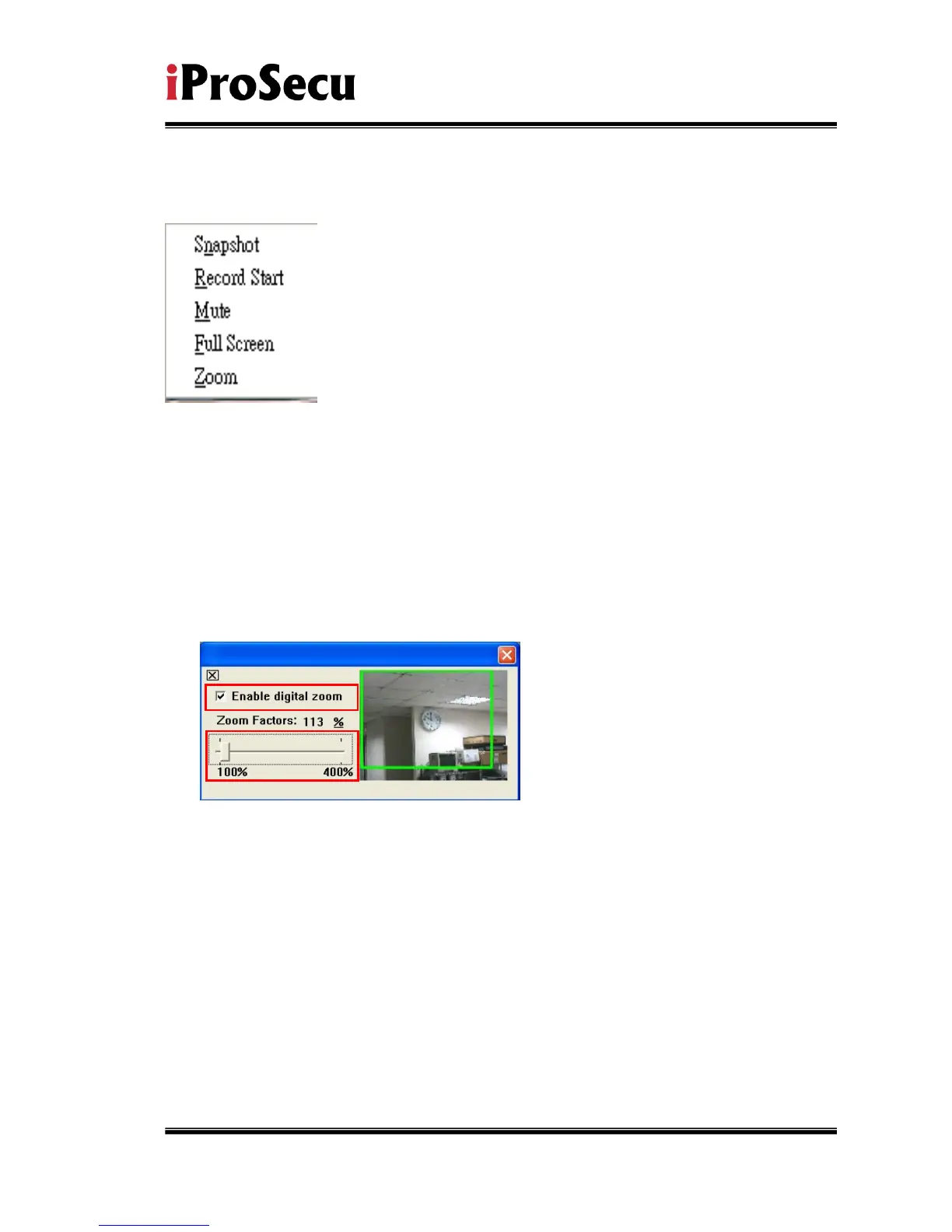
5. ZOOM: Enable zoom-in and zoom-out functions. Select “Enable digital zoom”
option first within the pop-up dialogue box and then drag and drop the bar to
adjust the zoom factors.



 To Next Page