21/44
A.System
i、 System Information
a. Server Information: Set up the camera name, select language, and
set up the camera time.
1. Server Name:This is the Camera name. This name will show
on the IP Installer.
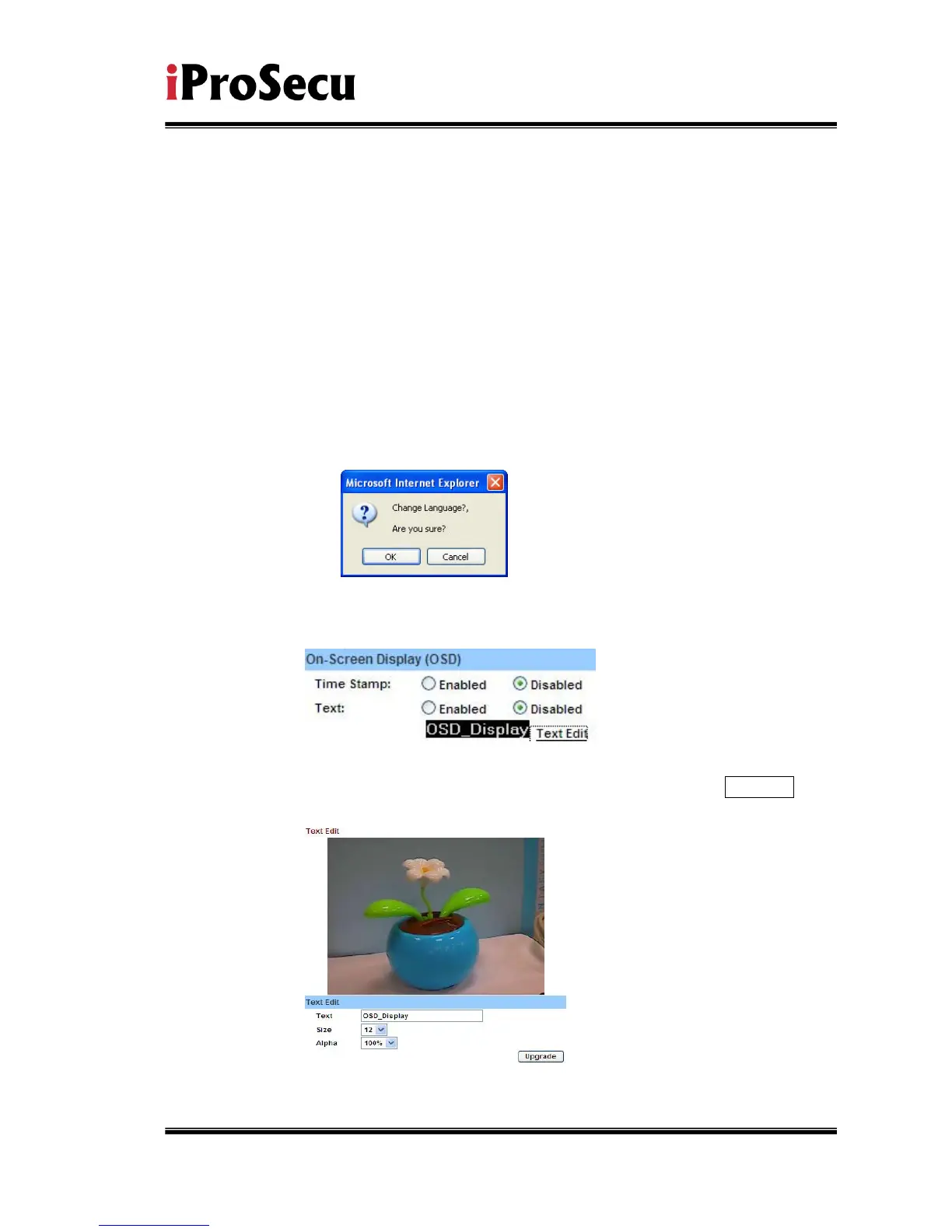
2. Select language:There are English, Traditional Chinese, and
Simplified Chinese to select. When change, it will show the
following dialogue box for the confirmation of changing
language.
b. OSD Setting: Select a position where date & time stamp / text
showing on screen.
Moreover, click Text Edit can entry to adjust the OSD contents
which is including Size and Alpha of text. Finally, click Upgrade
button to reserve the setting.
c. Server time setting:Select options to set up time - “NTP”,
“Synchronize with PC’s time”, “Manual”, “The date and time remain



 To Next Page