22/44
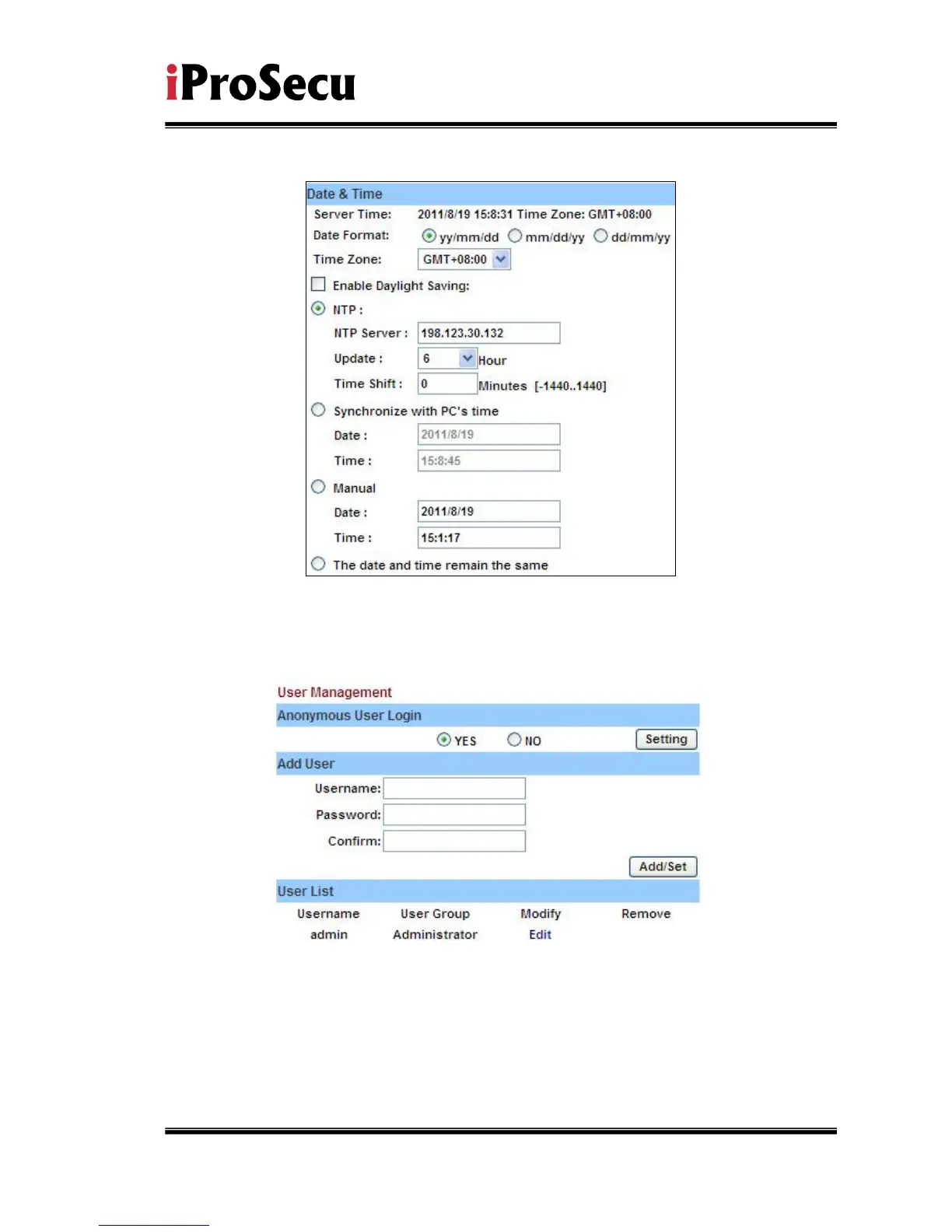
the same”.
ii、 User Management
IP CAMERA supports three different users, administrator, general user,
and anonymous user.
a. Anonymous User Login:
Yes:Allow anonymous login
No:Need user name & password to access this IP camera
b. Add user:
Type the user name and password, then click “Add/Set”.
c. Click “edit” or “delete” to modify the user.



 To Next Page