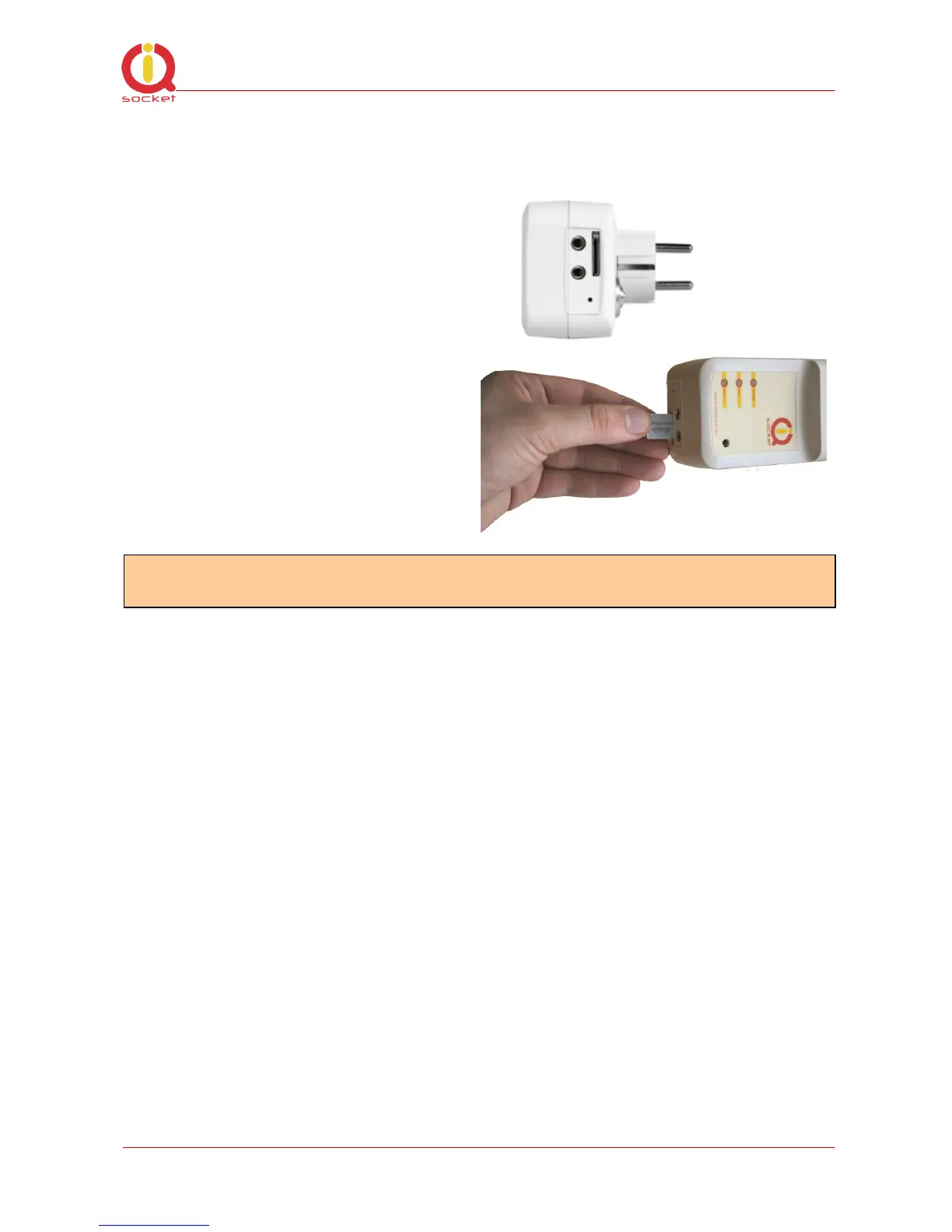
Authorisation can be turned off using by mobile phone by inserting SIM card
into mobile phone and disabling PIN usage by phone software. After this step
you can pull out SIM card from phone.
- Insert SIM card with inactive PIN usage into power socket’s SIM socket
- In case of active PIN, GSM indicator starts blinking fast
- Plug you power socket into wall socket 230V
- Indicators will start blinking in few seconds, then basic test is started for 10
seconds
- If all is OK, red POWER indicator is turned on
- GSM indicator is blinking periodically (green light) – while searching GSM
networks; after it’s logged - blinking every 3 seconds.
- RELAY indicator should light on/off if output power socket in turned on/off
- Product is ready now for your use.
4. Managing outputs - basics
4.1 Managing outputs by SMS
Commands are sent in form of SMS messages to SIM card call number which is
in intelligent socket slot. Messages has following syntax:
pinCOMMAND (e.g. 3366STATUS)
- With pre-configured security password by command SMSPIN=3366



 To Next Page