All rights reserved and shall not be copied and distributed in any form without written permission
11th Guiyang Street, YEDA,
Yantai 264006, P. R. China
400-998-3088
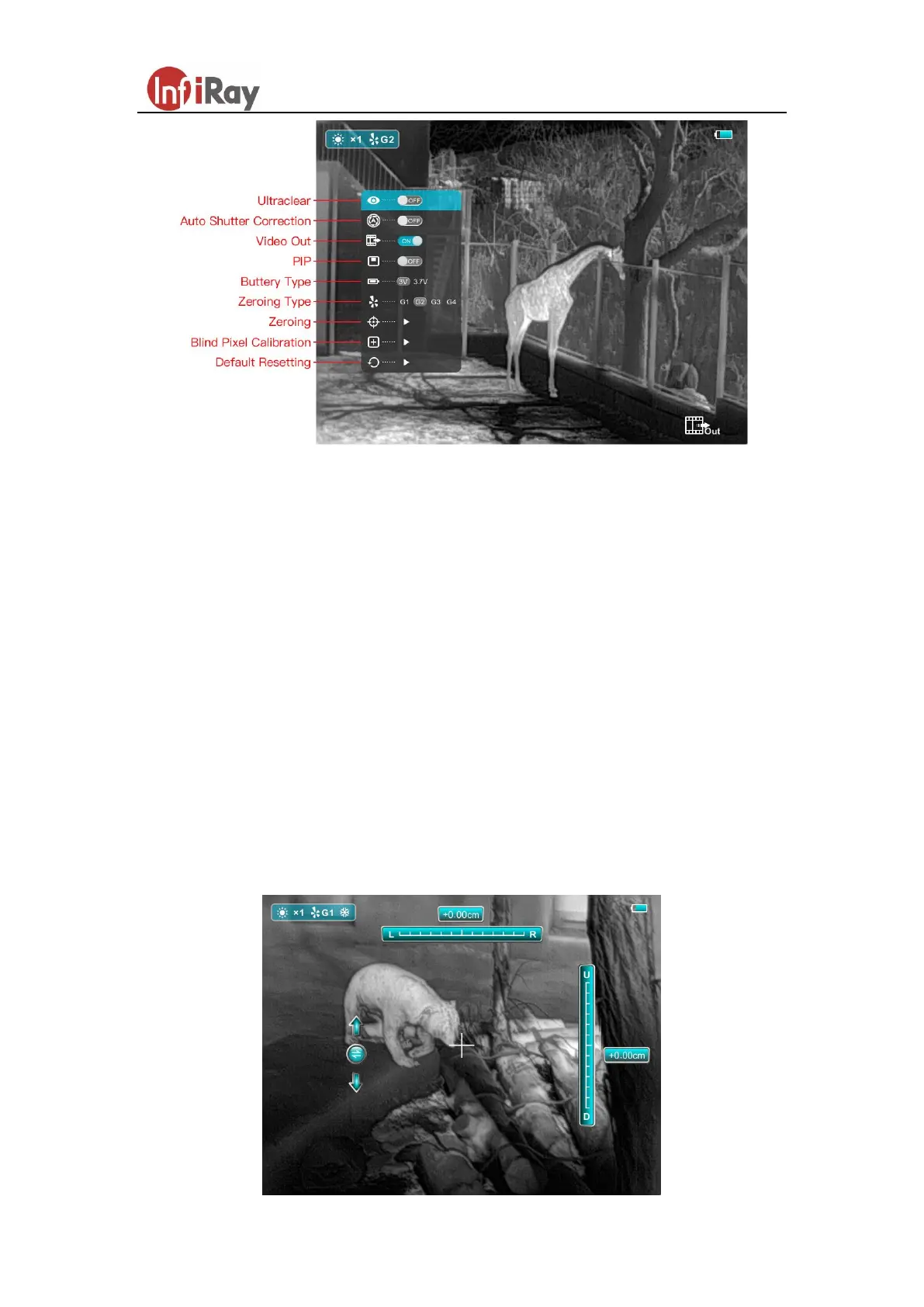
Fig.3 Advanced Menu
H. Ultraclear Mode
Under heavy fog, rain or snow weather, Ultraclear Mode will show more image
details.
I. Zeroing
Before setting Zeroing, please make sure that the reticle is on and select the
zeroing type in advanced menu firstly.
Select the Zeroing item, and press the M button to pop up the Zeroing interface as
shown in figure 4. In the Zeroing interface, the reticle is shown as a small cross
for position adjustment.



 To Next Page