All rights reserved and shall not be copied and distributed in any form without written permission
11th Guiyang Street, YEDA,
Yantai 264006, P. R. China
400-998-3088
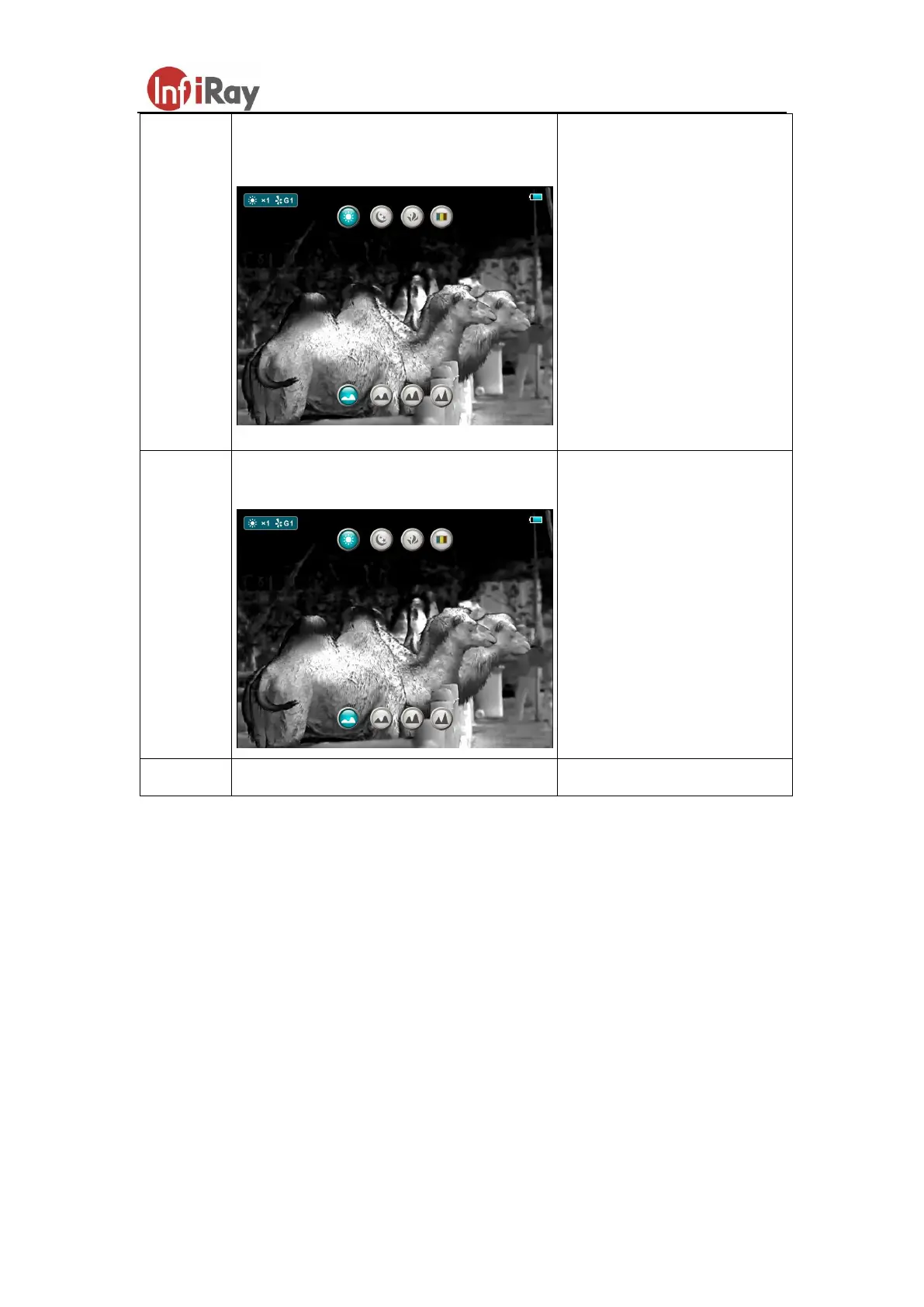
Pop up Shortcut Menu2 to adjust E-zoom
and screen brightness
Short press P button to
switch the digital zoom
from 1x, 2x, 3x, 4x.
Press C button to switch
1 to 4 screen brightness
level.
Pop up Shortcut Menu3 to adjust reticle
color and reticle pattern
Short press P button to
switch reticle color type:
white, black, red and
green.
Press C button to switch
the reticle pattern.
G. Advanced Menu
In the normal mode, press and hold the M button to enter the advanced menu,
which including Ultraclear mode, Auto shutter correction, video output, PIP,
battery mode, zeroing type, zeroing, blind pixel correction and default resetting.
(As shown in fig. 3)
Switch the function items by P and C button.
After selecting the item of function, short press the M button to set up the item
parameter.
Long press the M button to exit the advanced menu.



 To Next Page