15510-EN Rev G Operation 19
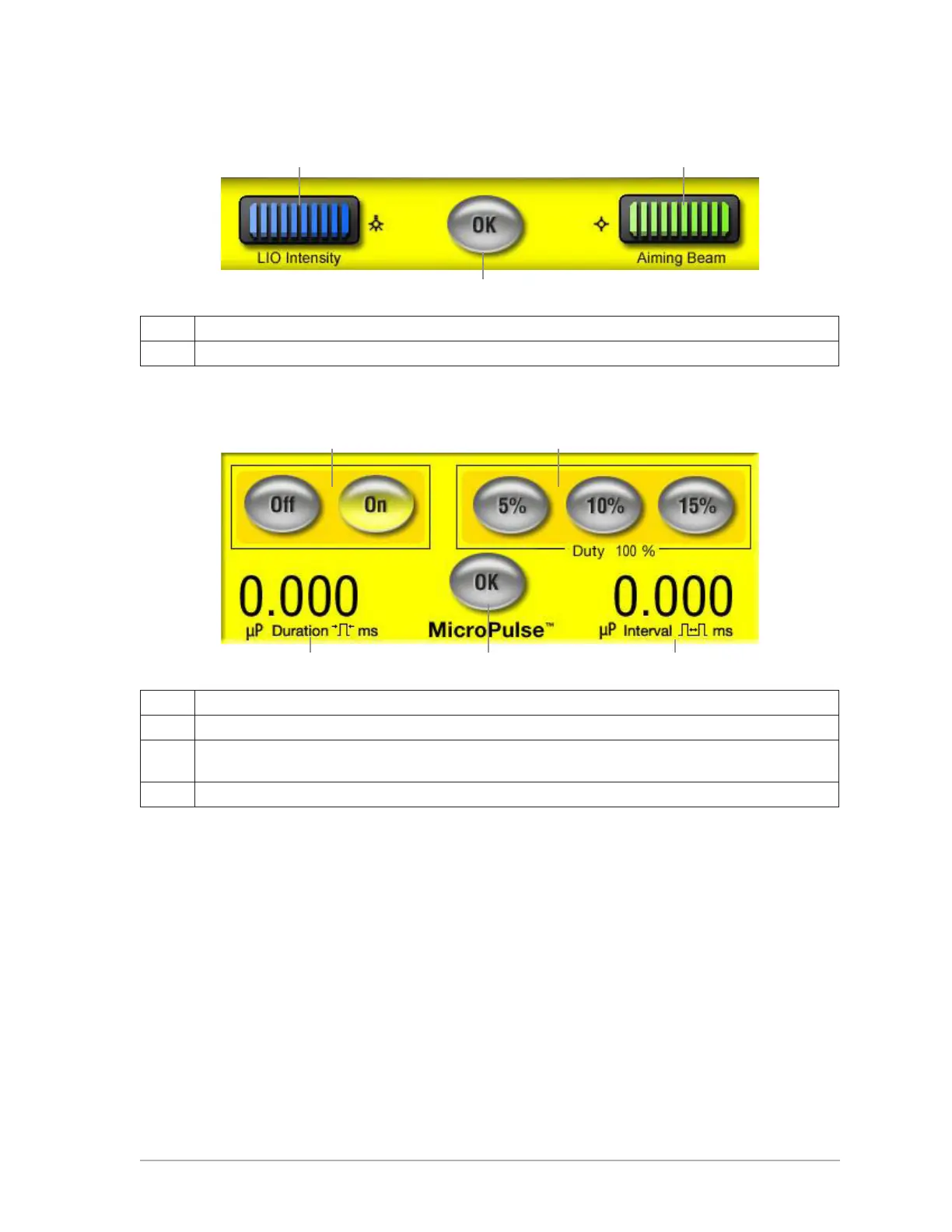
liO iNtENsity/aimiNg BEam sEttiNgs
A Displays LIO and Aiming Beam intensity. Use control knobs to adjust.
B Save changes and return to previous screen.
micrOpulsE sEttiNgs (OptiONal)
A Turn MicroPulse ON or OFF.
B Select preset values for Duty Cycle. MicroPulse duration and Interval parameters update automatically.
C Displays MicroPulse duration and interval. Use control knobs to adjust and set custom parameters.
Duty Cycle value will update automatically.
D Save changes and return to Treat or Standby screen.
A A
B
A B
C D C



 To Next Page