DIAL-UP DATA -------------------------------------------------------------------------------------------------- WINDOWS NT 4.0 SETUP
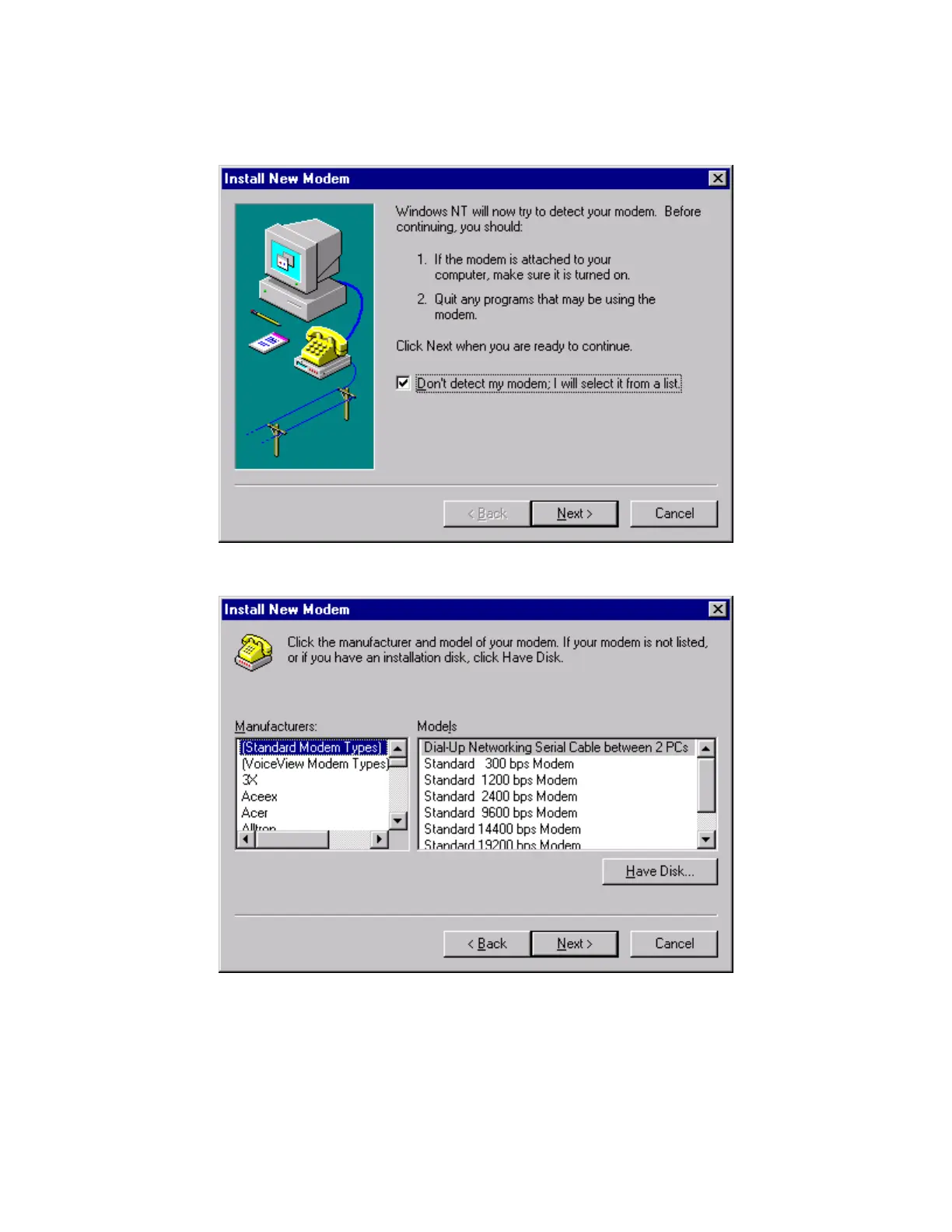
5. Choose the checkbox marked “Don’t detect my modem; I will select it from a list.” Then, click
Next > to open the Install New Modem window.
6. Click on Have Disk… to open the Install From Disk window.
Iridium Satellite LLC 15 Rev. 4; February 1, 2002



 To Next Page