DIAL-UP DATA ---------------------------------------------------------------------------------------------- WINDOWS 95/98/Me SETUP
3.1 Windows 95/98/Me Setup
In order to install the modem driver and configure dial-up networking, you will need the following:
The Iridium World Data Services CD
An available communications port on your computer (e.g., COM1)
Note: The following instructions are for Windows Me. Windows 95 and 98 are very
similar in appearance, but the individual screens you see may differ slightly.
3.1.1 Install the Modem Driver – Windows 95/98/Me
1. Close all applications.
2. Choose Start > Settings > Control Panel to open the Control Panel window.
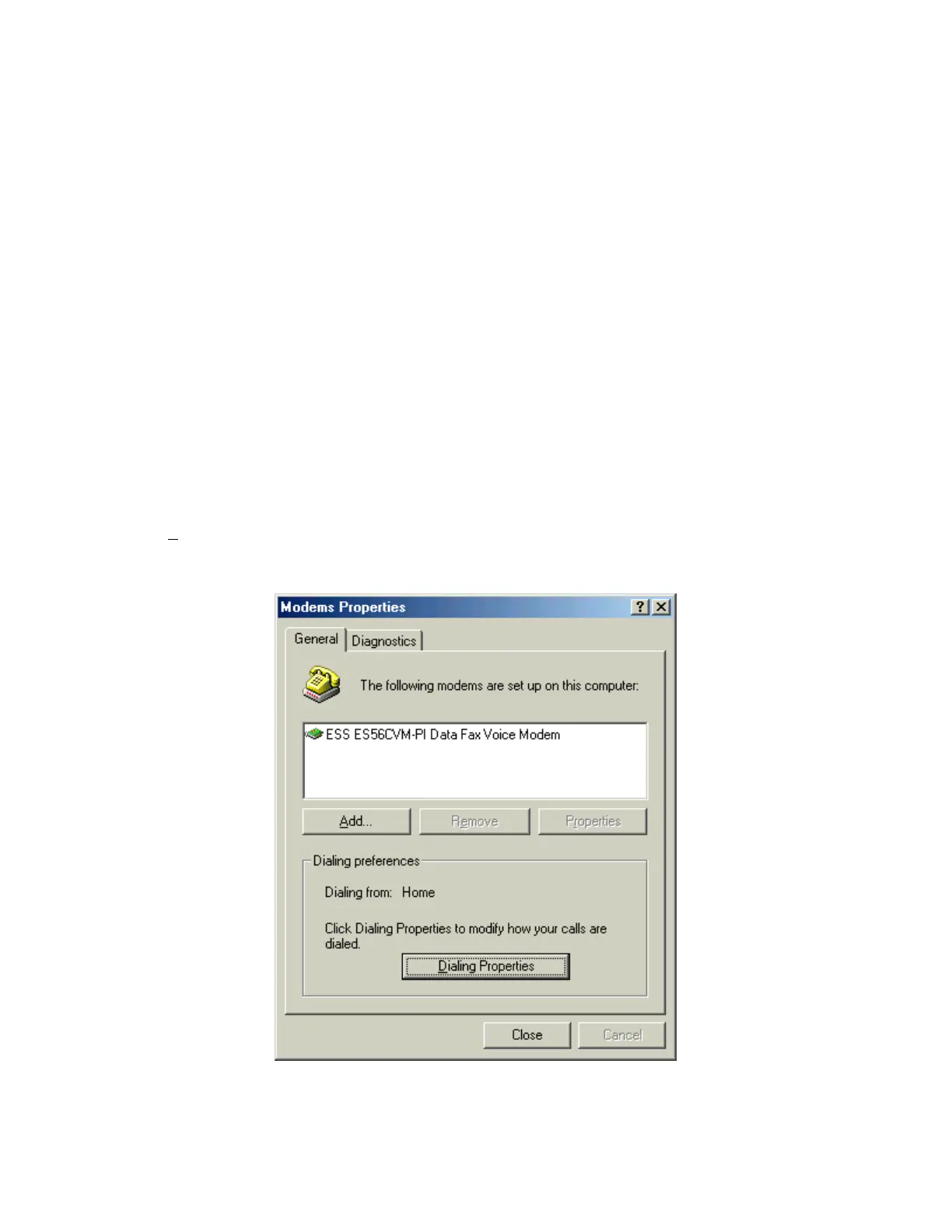
3. Double-click on Modems to open the Modem Properties window.
Note: If no modems are currently installed on your computer, you will not see the Modem
Properties window. In this case, skip to step 5.
4. Click the General tab, and you will see all the modems installed on your computer. Click on
A
dd… to open the Install New Modem window. This will begin the modem installation
procedure. Henceforth, you can cancel at any time without affecting your system by clicking
Cancel.
Iridium Satellite LLC 6 Rev. 4; February 1, 2002



 To Next Page