DIAL-UP DATA -----------------------------------------------------------------------------------------------------WINDOWS 2000 SETUP
3.3.2 Configure Dial-Up Networking – Windows 2000
In order to use your Iridium handset for dial-up networking, you need to create a new dial-up
networking connection.
In the Network and Dial-Up Connections window, you can modify an existing connection type or
create a new connection type. Unless you are comfortable using the dial-up networking options,
we recommend that you create a new connection type for Dial-Up Data.
To Create a New Connection Type:
1. Choose Start > Programs > Accessories > Communications > Network and Dial-up
Connections to open the Network and Dial-Up Connections window.
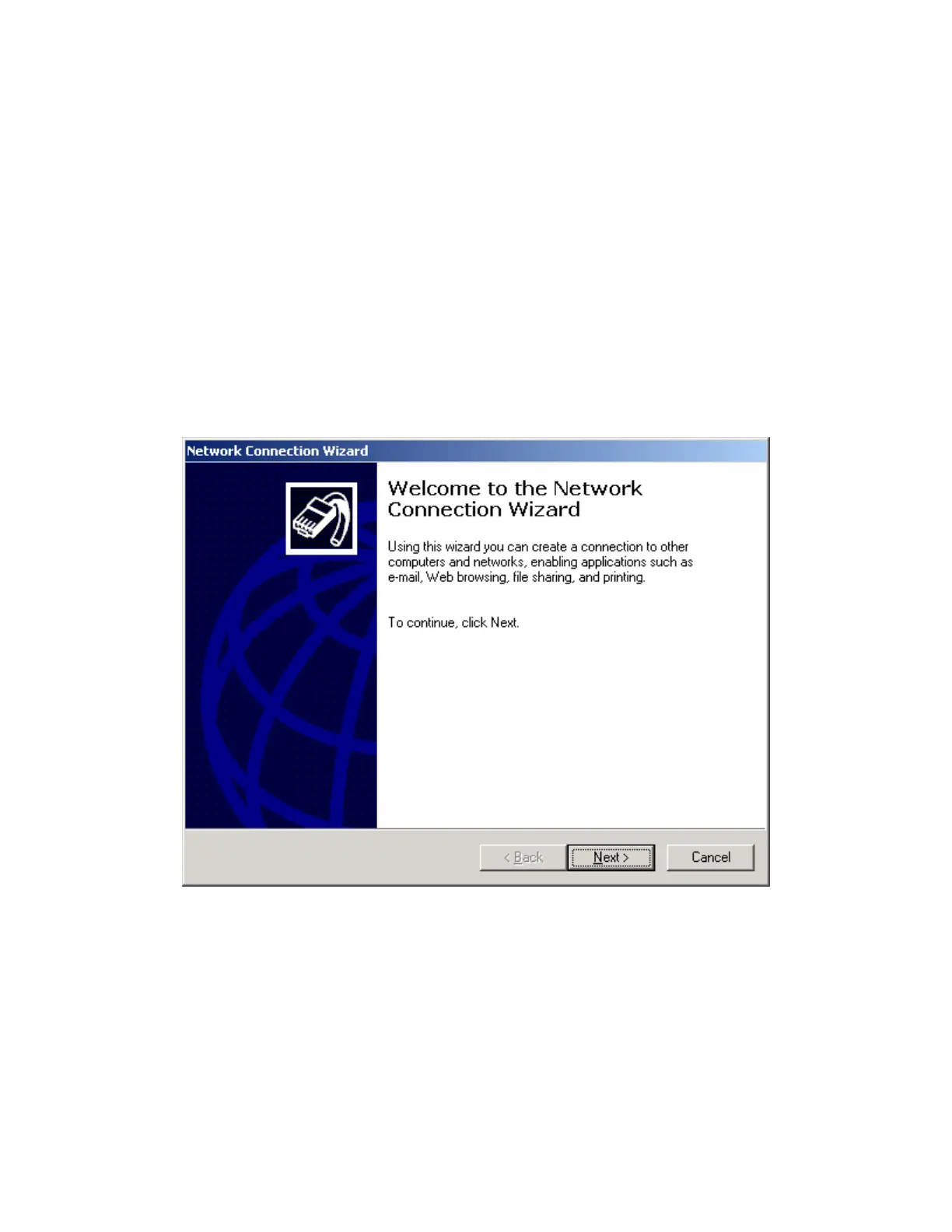
2. In the Network and Dial-Up Connections window, double-click Make New Connection to open
the Network Connection Wizard. Henceforth, you can cancel at any time without affecting
your system by clicking Cancel. To continue, click Next >.
Iridium Satellite LLC 29 Rev. 4; February 1, 2002



 To Next Page