DIAL-UP DATA -----------------------------------------------------------------------------------------------------WINDOWS 2000 SETUP
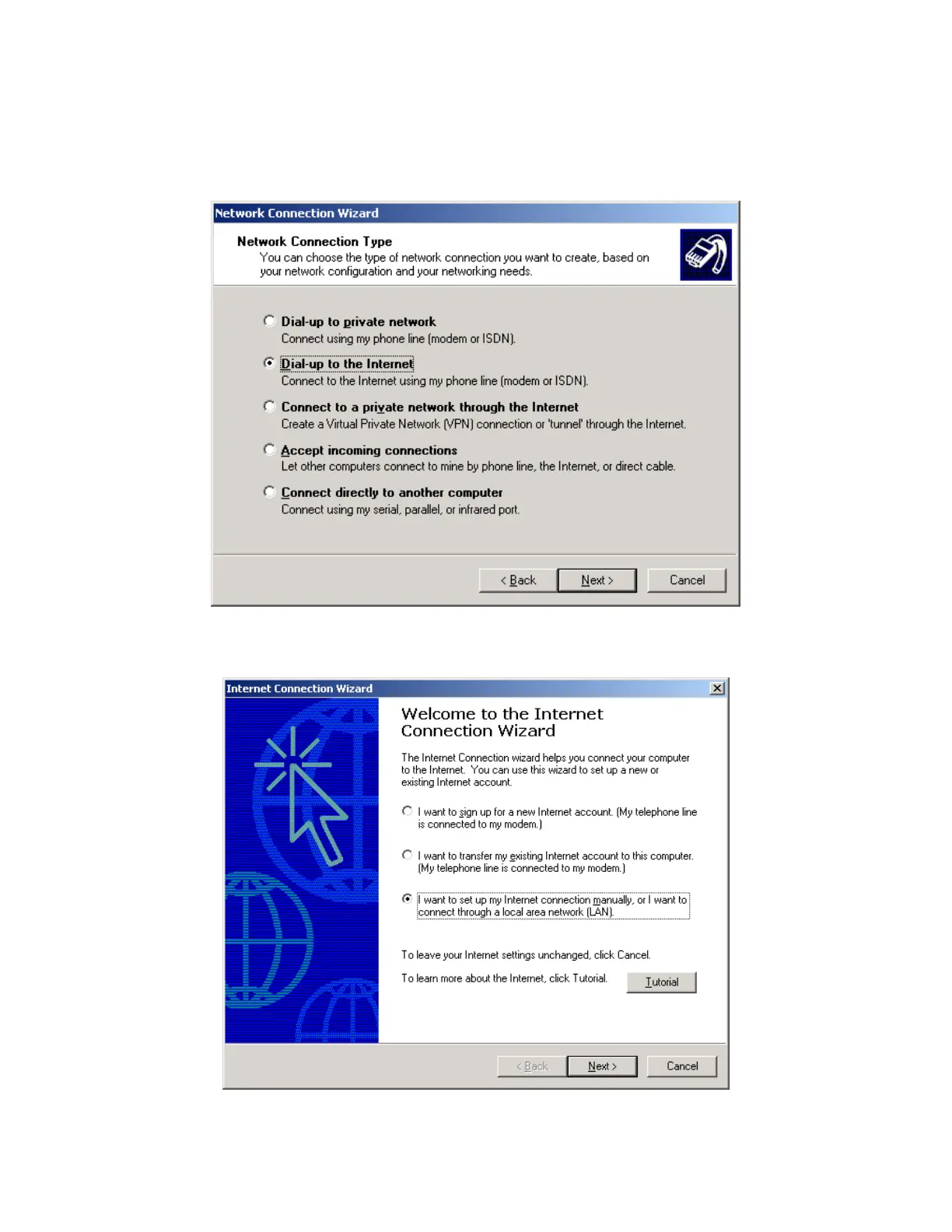
3. In the Network Connection Type window of the Network Connection Wizard, select the
appropriate Dial-up connection type (either “Dial-up to private network” or “Dial-up to the
Internet”). This example assumes you are creating a connection to your Internet Service
Provider. Click Next >.
4. In the Internet Connection Wizard, select “I want to set up my Internet connection
manually…”. Click Next >.
Iridium Satellite LLC 30 Rev. 4; February 1, 2002



 To Next Page