DIAL-UP DATA -----------------------------------------------------------------------------------------------------WINDOWS 2000 SETUP
3.3 Windows 2000 Setup
In order to install the modem driver and configure dial-up networking, you will need the following:
The Iridium World Data Services CD
An available communications port on your computer (e.g., COM1)
Administrator privileges for Windows 2000
3.3.1 Install the Modem Driver – Windows 2000
1. Close all applications
2. Choose Start > Settings > Control Panel to open the Control Panel window.
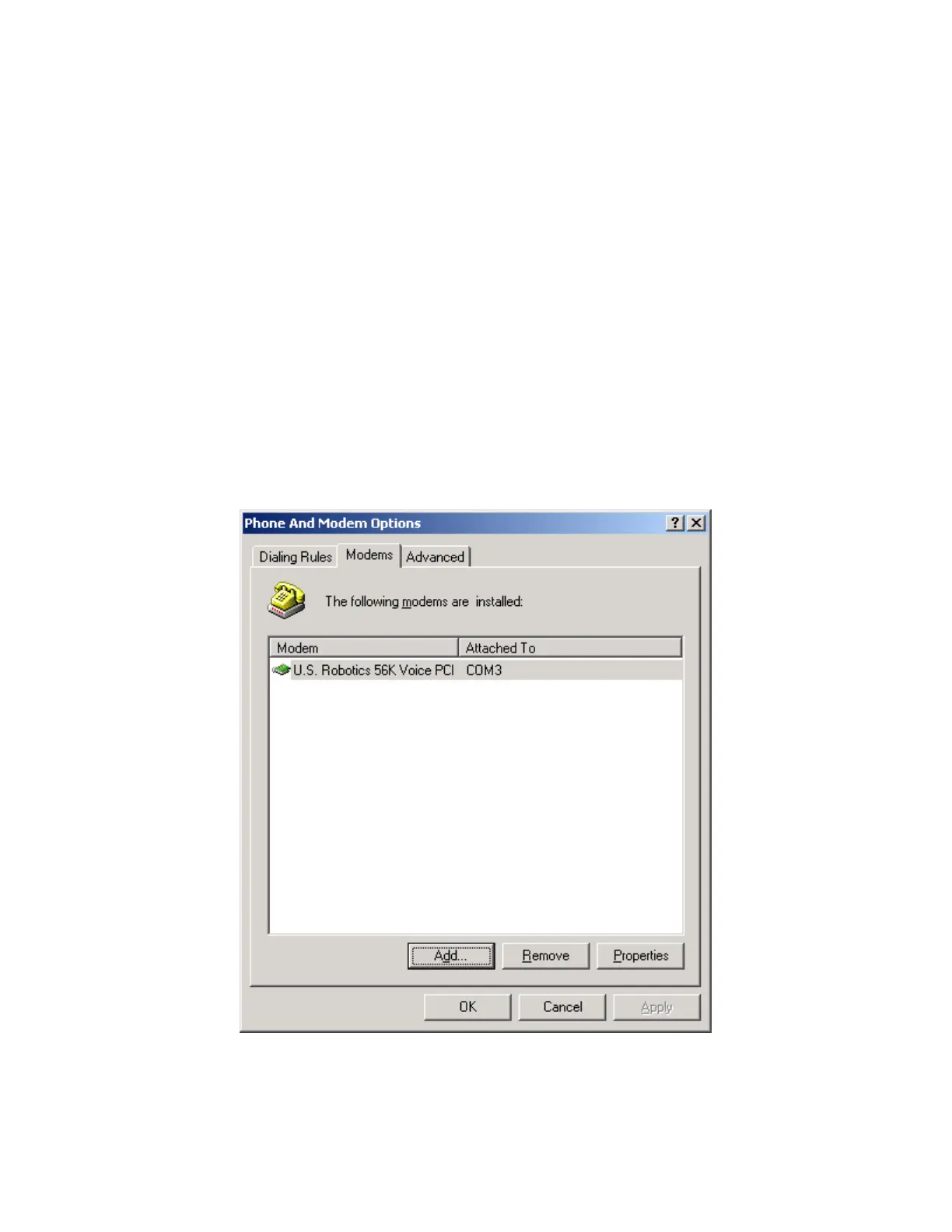
3. Double click on Phone and Modem Options to open the Phone and Modem Options window.
4. Click the Modems tab, and you will see all the modems installed on your computer. Click on
Add… to open the Add/Remove Hardware Wizard for installing a new modem. This will
begin the modem installation procedure. Henceforth, you can cancel at any time without
affecting your system by clicking Cancel.
Iridium Satellite LLC 23 Rev. 4; February 1, 2002



 To Next Page