DIAL-UP DATA -------------------------------------------------------------------------------------------------------- WINDOWS XP SETUP
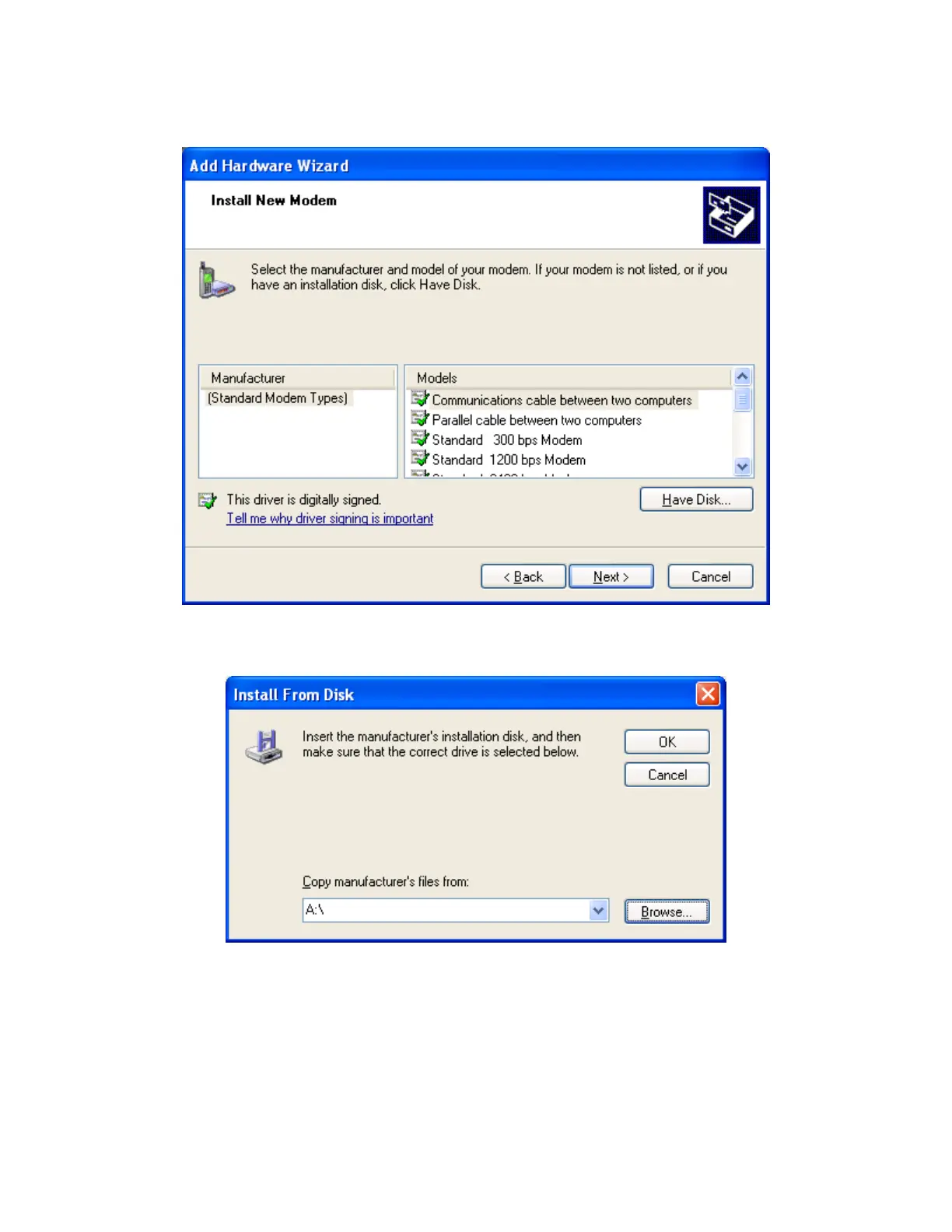
6. Click on Have Disk… to open the Install From Disk window.
7. The default drive setting is A:\, which is the default floppy drive on most computers. Insert
the Iridium World Data Services CD into your CD drive, and click Browse…
Iridium Satellite LLC 39 Rev. 4; February 1, 2002



 To Next Page