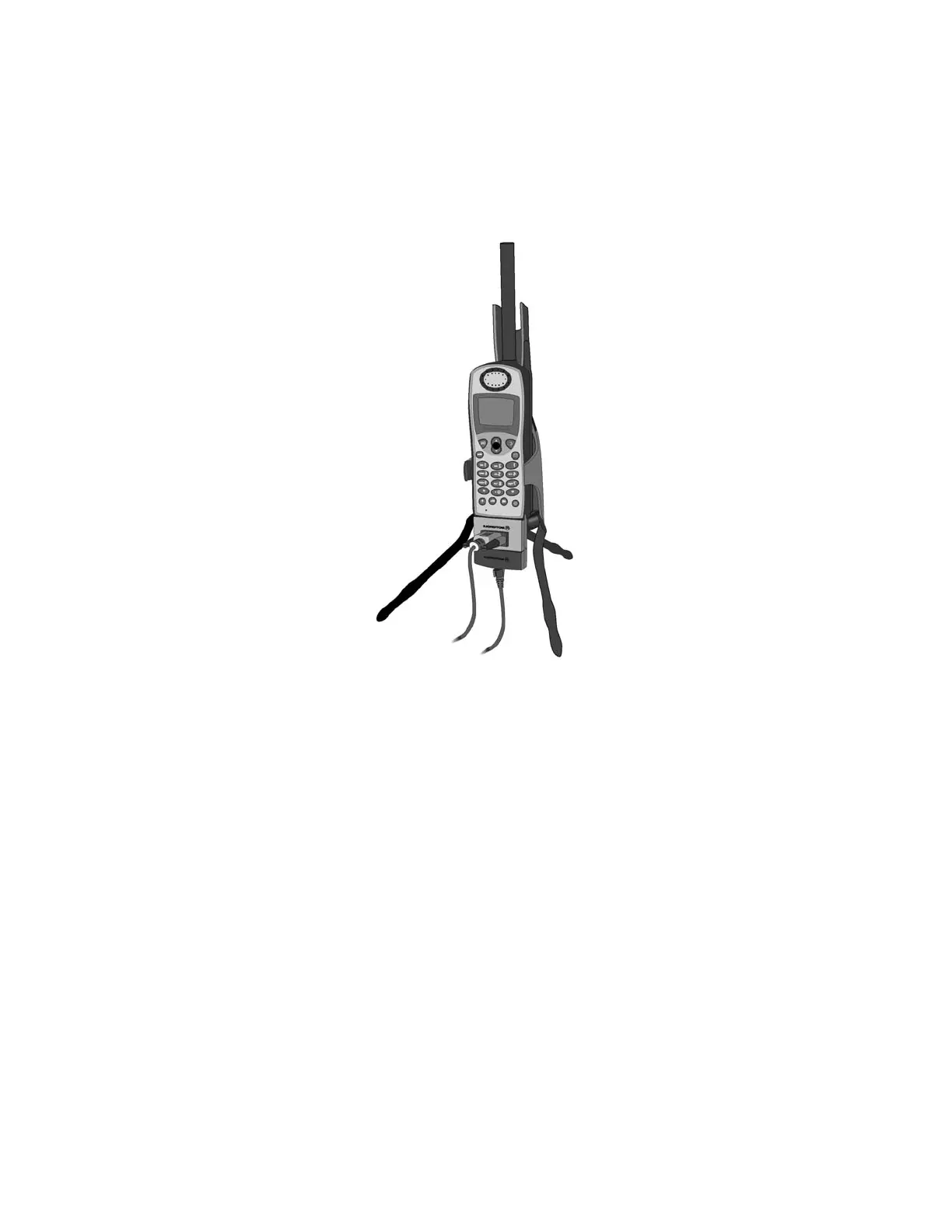
DIAL-UP DATA ------------------------------------------------------------------------------9500/9505 PORTABLE PHONE SETUP
5. Plug the Serial Cable into the serial port on your computer.
6. Rotate and extend the phone’s antenna. Place the phone into the stand, or otherwise
position the phone so that the antenna is vertical and has a clear view of the sky.
7. Continue with section 5.
Iridium Satellite LLC 58 Rev. 4; February 1, 2002



 To Next Page