2: INSTALLATION
Iridium Pilot™ Installation Guide 7
Section II – INSTALLATION
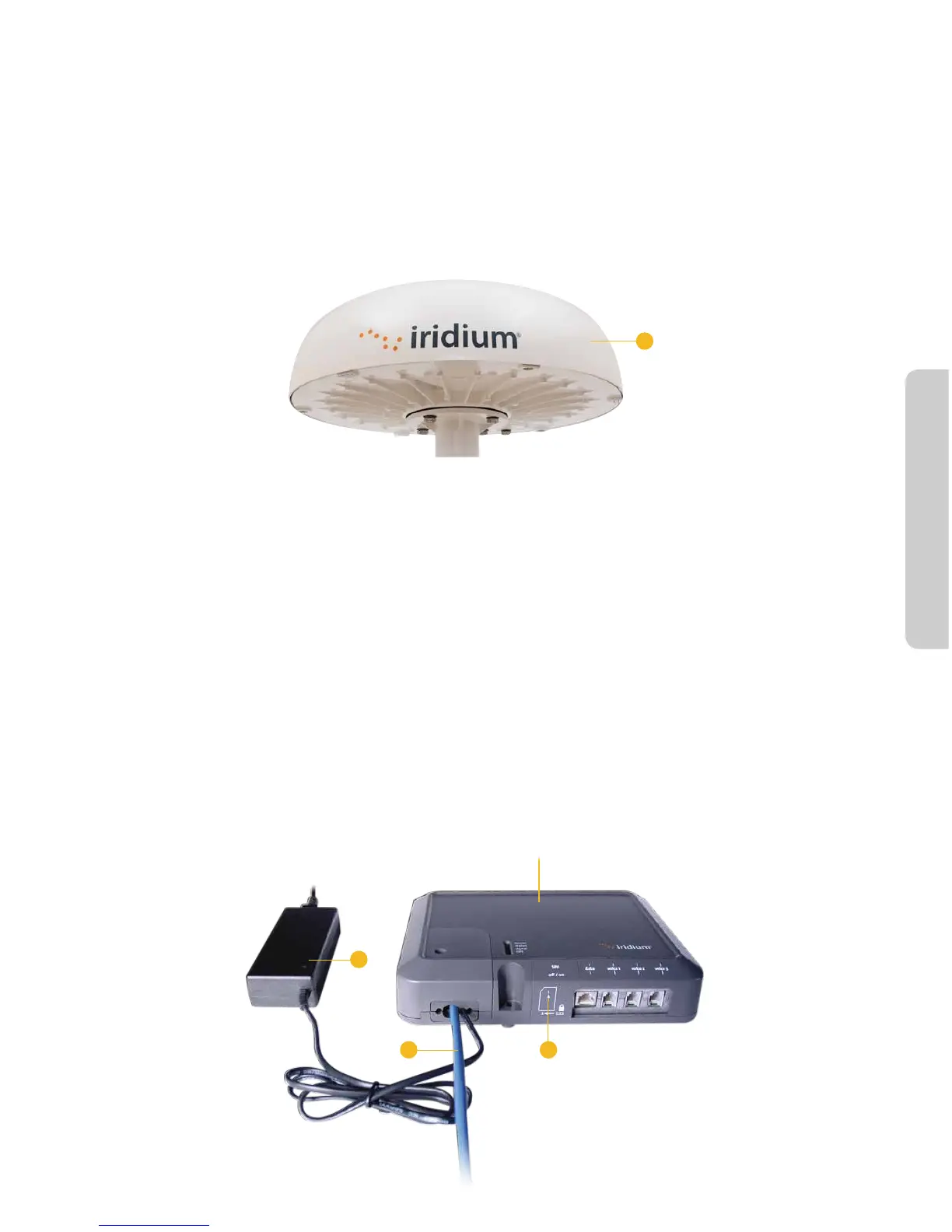
4. Broadband Subscriber Unit Components
1. Above Decks Equipment (ADE): The ADE provides the communication connection between the BDE and
Iridium’s satellites. The ADE will automatically locate and track Iridium satellites overhead using a solid state
antenna array.
Figure 4.
1
Mounting Bracket (not shown): Platform to attach mounting pole and ADE to at surface. This is an optional
accessory used to connect the ADE to the mast.
2. Below Decks Equipment: The Below Decks Equipment (BDE) is the appliance to which you connect your
telephones and computers. It is capable of handling three POTS/RJ11 telephone handsets and one Ethernet
data connection.
3. ADE / BDE Cable (20 m and 50 m cable available): The cable connects the ADE to the BDE. It is shielded
and has a waterproof connection for the ADE. Other lengths are available. Consult your Iridium service
provider for availability. To maintain the waterproong and shielding integrity of the cable, take care when
altering the cable in any way. The pin-out of the interface cable can be found in Appendix C.
4. BDE Power Supply Unit: The AC Power Supply Unit (PSU) provides power to the BDE.
5. SIM: The SIM card validates the system at start-up, allows connection to the Iridium network and provisions
the appropriate phone and data lines.
Figure 5.



 To Next Page