3: NETWORK CONFIGURATION
26 Iridium Pilot™ Installation Guide
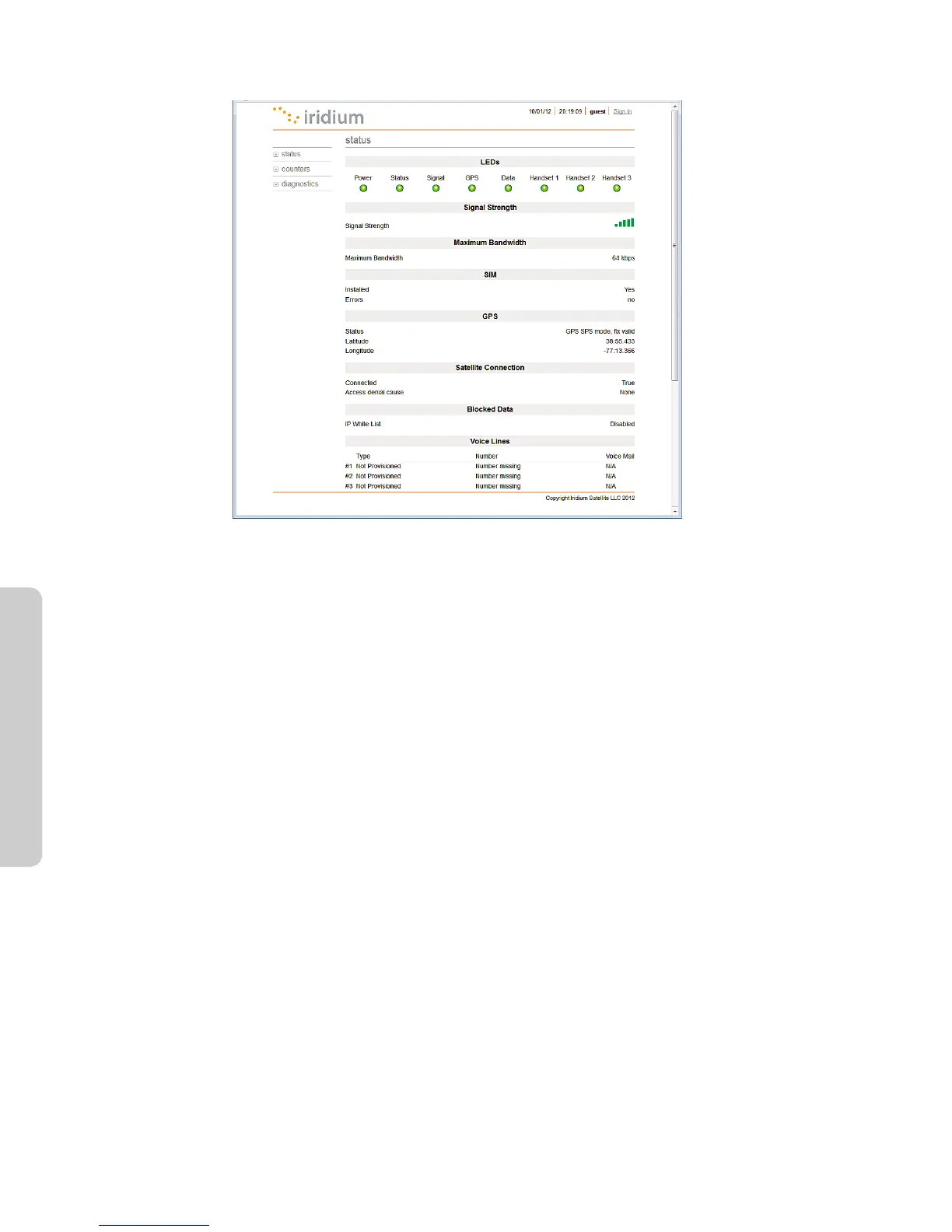
Figure 14.
Status Page
The status page provides the condition of the Iridium Pilot hardware and software:
• The status of the LEDs located on the BDE is provided
• Signal strength of the current satellite down-link is displayed
• Status of the SIM card indicates if it is installed and operational
• GPS status and location are displayed
• Satellite connection status shows current connection along with historical statistics
• Voice line data displays line type, phone number and voice mail service
11. Conguration of LAN Settings
The Iridium Pilot IBSU allows you to congure the following LAN settings, via the web pages when logged on
as ‘admin’. These settings include:
• IP Address
• Subnet Mask
• DHCP Server and IP Address Range to Use
• DNS Forwarding
IP Address
This is the IP address of the IBSU as seen from the vessel. The factory default is 192.168.0.1. You should not
change this default unless there is already LAN equipment on the vessel, in which case you must set this to an
unused IP address of the ship-side LAN.



 To Next Page