EasyManua.ls Logo

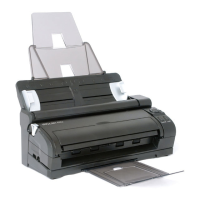
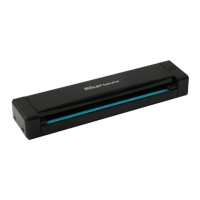
IRIS IRIScan Pro 5 - Supported Documents for IRIScan Pro 5; Scanner Overview and Components; Top View of the Scanner

IRIS IRIScan Pro 5
21 pages
Print Icon
To Next Page IconTo Next Page
To Previous Page IconTo Previous Page
Loading...
5
Quick User Guide IRIScan
TM
Pro 5
3. Supported Documents
Documents can range in size from 50 x 50 mm (1.9 x 1.9 in.) to 216 x 356 mm (8.5 x 14 in.)
Documents can range in weight from 30 ~ 413 g/m
2
when using the Front Feed Tray.
Documents can range in weight from 30 ~ 160 g/m
2
when using the Document Feeder.
ID cards up to 1.25 mm (0.05 in.) thick
Documents should be square or rectangular and in good condition (not fragile or worn).
Documents should be free of curl, wrinkle, tears, wet ink, or punch holes.
Documents should be free of staples, paper clips, sticky notes.
4. Scanner Overview
4.1 Top View

1
Displays the function button.
2
Press to switch between the different function
buttons.
3
Press to cancel an ongoing scanning job.
4
Press to start scanning to the configured software
application or to the Button Manager.
5
Press to power on the scanner.
6
This tray is used for feeding multiple documents.
Open it to use the scanner as sheet-fed scanner.

Other manuals for IRIS IRIScan Pro 5

Related product manuals