ifiver
Chapter2 Basic Operations
Connecting Products
|
Copying file/folder (Using as a removable disk)
|
Copying
file/folder
to the product
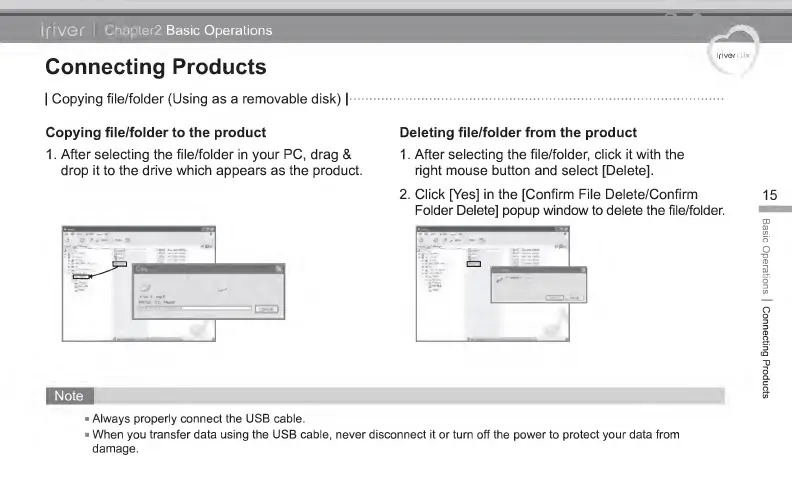
1 . After selecting the file/folder in your PC, drag
&
drop it to the drive which appears
as
the product.
Deleting
file/folder from the product
1 . After selecting the file/folder, click
it
with the
right mouse button and select [Delete].
2. Click [Yes] in the [Confirm File Delete/Confirm
Folder Delete] popup window to delete the file/folder.
15
Always properly connect the USB cable.
When you transfer data using the USB cable, never disconnect it or turn off the power to protect your data from
damage.
Basic
Operations
|
Connecting
Products



 To Next Page