Using
the
iriver
Clix
|
Extras
-
Browse
Device
ifiver
Chapter3 Using the iriver Clix
Extras
|
Browse Device
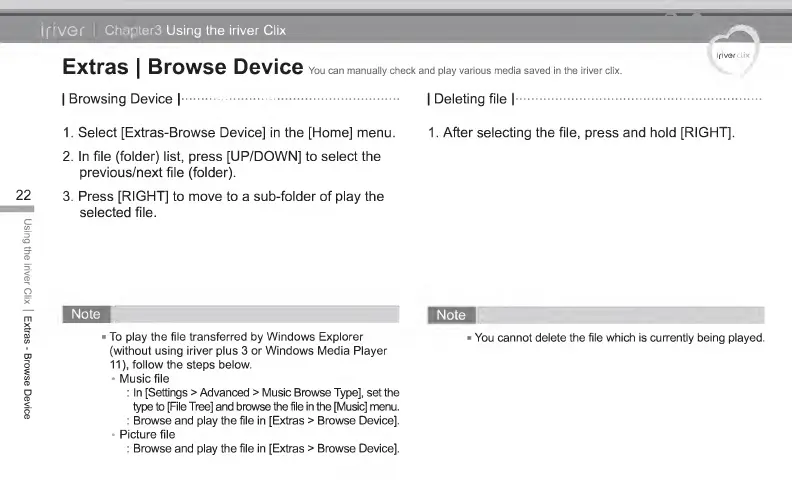
You can manually check and play various media saved in the iriver clix.
|
Browsing Device
| |
Deleting file
|
1
. Select [Extras- Browse Device] in the [Home] menu. 1 . After selecting the file, press and hold [RIGHT],
2. In file (folder) list, press [UP/DOWN] to select the
previous/next file (folder).
22
3. Press [RIGHT]
to
move
to a
sub-folder of play the
selected file.
To
play
the
file transferred
by
Windows Explorer -
You cannot delete the file which is currently being played,
(without using iriver plus 3 or Windows Media Player
11),
follow the steps below.
Music file
: In [Settings
>
Advanced
>
Music Browse Type], set the
type to [File Tree] and browse the file in the [Music] menu.
: Browse and play the file in [Extras
>
Browse Device].
*
Picture file
: Browse and play the file in [Extras
>
Browse Device].



 To Next Page