19
- Move to a higher-level or lower-level frequency signal that is receivable
by setting the preset off and pressing and holding [ / ].
- Move to a higher-level or lower-level preset channel by setting the
preset and pressing [ / ].
- While listening to radio, press [ ] to record the radio broadcasting
you are listening.
+ Record the broadcast while listening by pressing the [ ] button
and stop recording by pressing [ ] button again.
1. The list of additional features are displayed when pressing and holding
[ ] while listening.
2. Press the [ / ] button to select the additional feature and press
the [ ] or [ ] button to display the window for setting it up.
: Move to the upper list.
3. Press the [ / ] button to set the feature up and press the [ ]
or [ ] button to save / operate it.
Additional Features
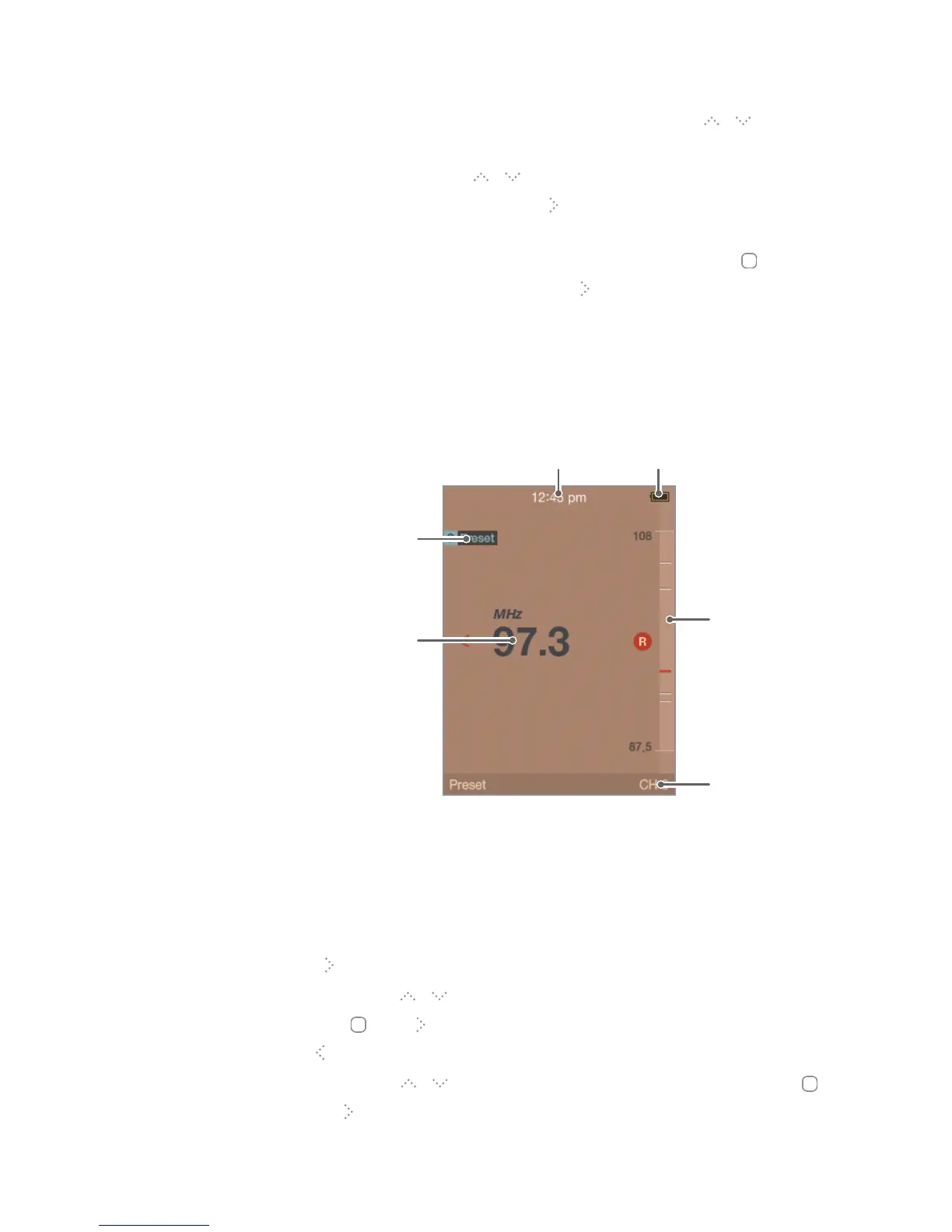
LCD Display for FM Radio
Frequency
indicator
Current time
Battery
Channel
Number
PRESET
On/Off
Current
frequency
Using E300



 To Next Page