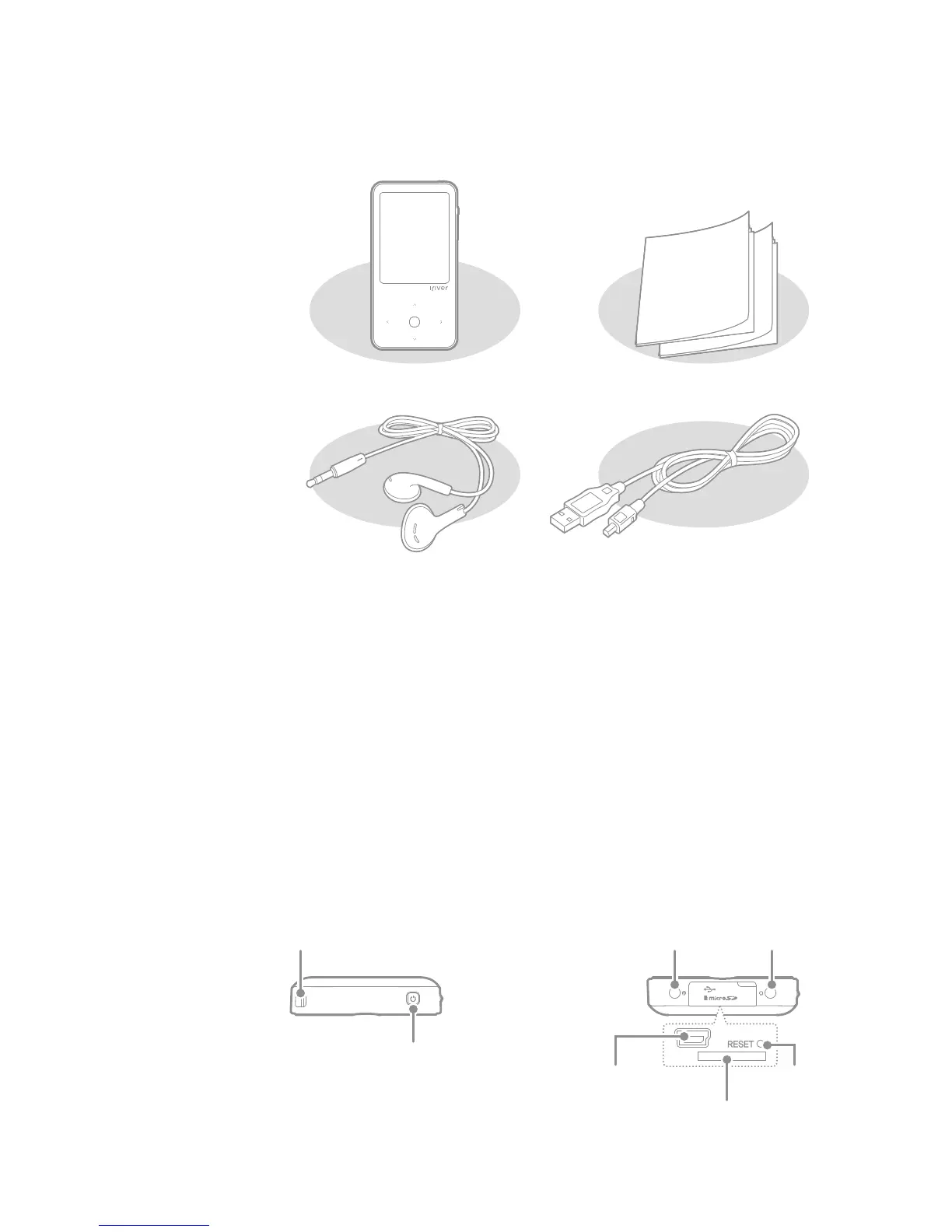
Components
Getting Started
Components may be changed without prior notice for improvement
of product performance or quality.
The exterior and the contents printed or engraved may differ by model
or according to the name of each part.
E300
USB Cable
03
Locating
the Controls
Quick Start Guide &
Product warranty
Earphones
Earphones: You can connect this to the product to output sound.
USB Cable: You can connect this to the computer and use it to
recharge the power.
Quick Start Guide: This is the manual explaining how to use our device.
Product Warranty: Please keep this in a safe place for use during any
warranty repairs.
Power
Necklace Connection Loop Line-In Jack Earphones Jack
Micro SD Card Slot
RESET Key USB Port



 To Next Page