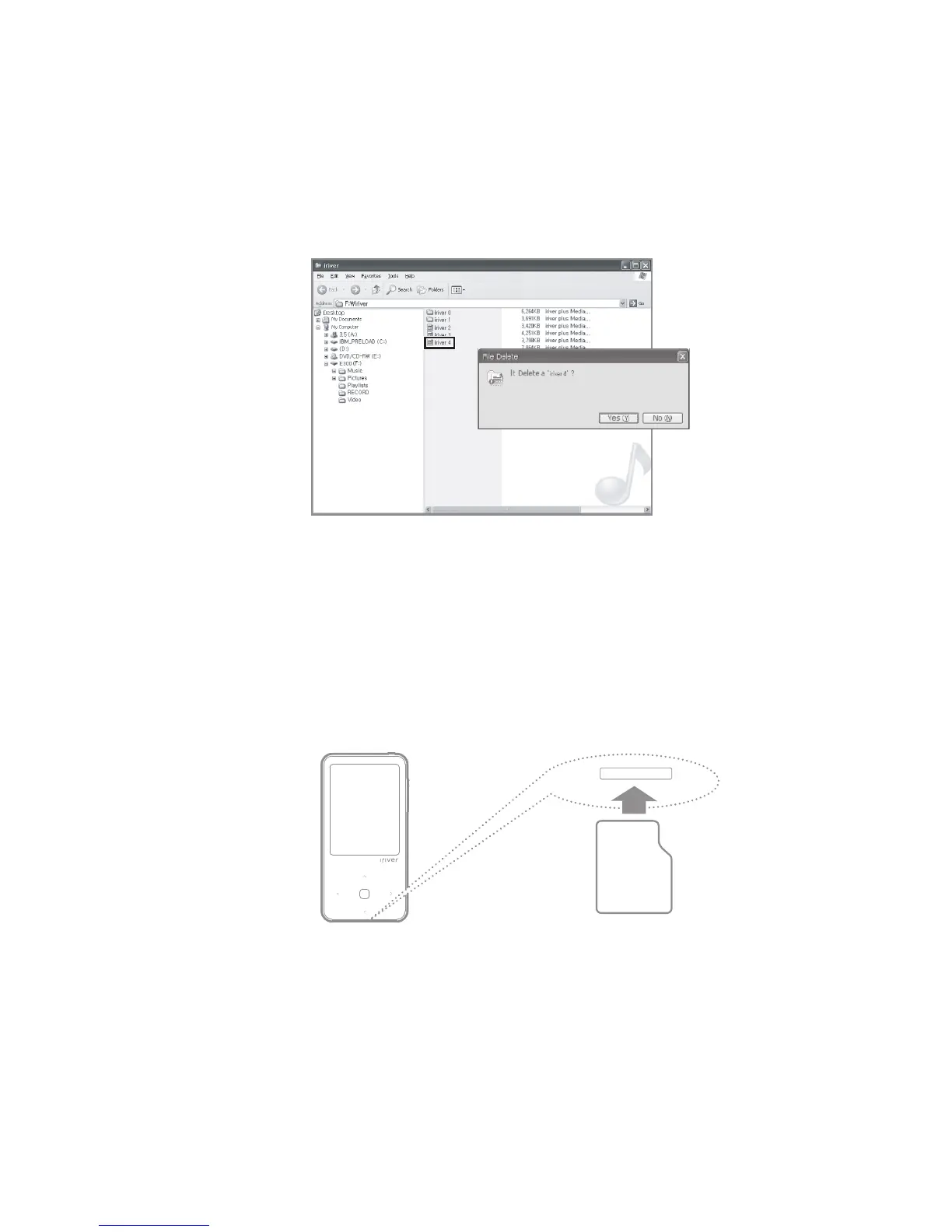
1. Select the files/folders to be deleted, right-click on them and select
[Delete].
2. Click [Yes] when the [Confirm File/Folder Deletion] window pops up,
and the selected files/folders will be deleted.
08
Deleting Files (Folders) from the Product
1. Turn the power off, place the SD card (see the figure below) in the
SD card slot, and press gently.
2. Press it in once more and the card can be removed.
Inserting/removing the Micro SD card
Brand: SanDisk, Transcend
Recommended SD cards
Getting Started



 To Next Page