8 Roomba
®
900 Series Owner’s Guide
EN
Basic Operating
Instructions
Cleaning with Roomba
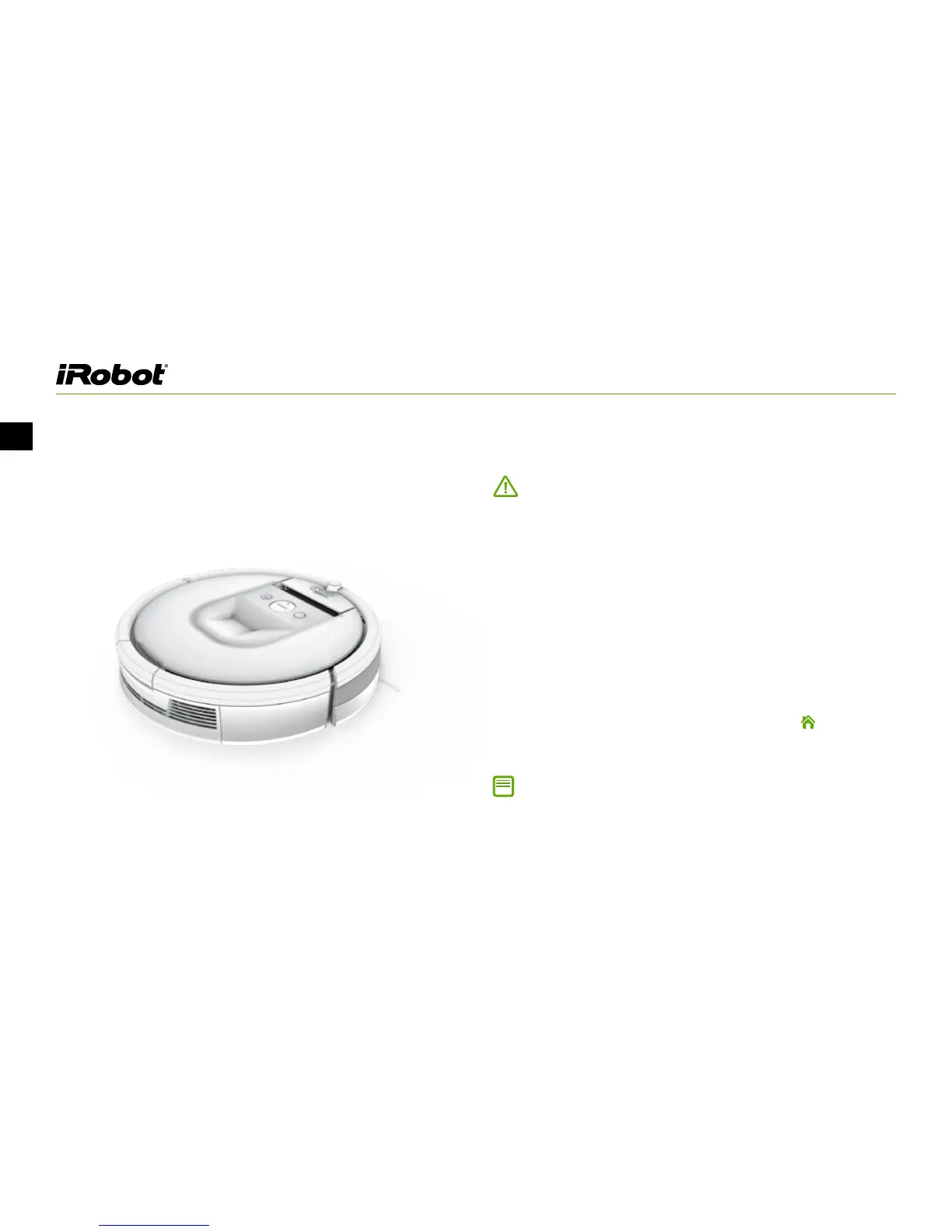
To wake up Roomba, press CLEAN once. Roomba will beep and
the CLEAN button will illuminate.
• To start a cleaning cycle, press CLEAN again.
» Roomba cleans an entire level of your home during one
cleaning cycle.
» If its battery gets low before finishing, Roomba returns to the
Home Base to recharge. After its battery has been recharged,
Roomba automatically returns to where it left o and completes
the cleaning cycle.
• To pause Roomba during a cleaning cycle, press CLEAN.
» To resume the cleaning cycle, press CLEAN again.
» To send Roomba back to the Home Base, press
(Dock)
• To end the cleaning cycle and put Roomba in standby mode,
press and hold CLEAN until Roomba’s indicators turn o.
Note: The actions listed above can also be managed from the iRobot
HOME app.
Important: Before using Roomba for the very first time, you must activate
the battery. See Step 1: Activate Roomba on page 6 for instructions.














 To Next Page