Page 6 Page 7
English
Power Supply Options
The following options are available to power iRoom‘s iDock
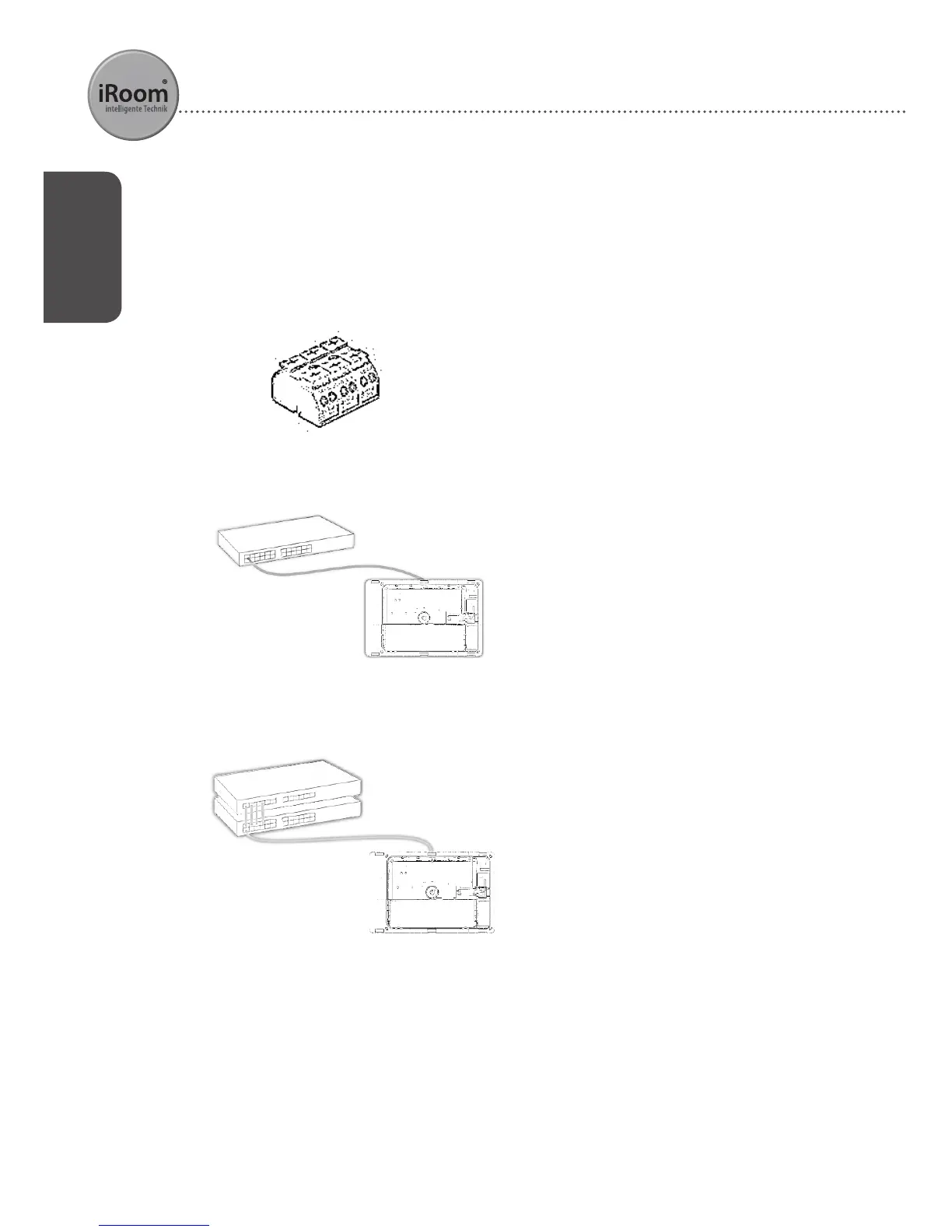
Option 1: 110-240V AC
connect regular 110-240V AC wiring to
designated wire terminal on the back
side of iRoom‘s iDock.
connect PoE
+
Switch to iRoom‘s iDock to
establish power and data connection.
connect PoE
+
Switch to iRoom‘s iDock to
establish power and data connection.
PoE
+
(IEEE 802.3at)
Switch
iRoom‘s iDock
PoE
CAT5e/6
cable
-----------------------------------------------------------------------------
-----------------------------------------------------------------------------
ethernet switch
mid-span injector
PoE
+
CAT5e/6
cable
iRoom‘s iDock
Option 2: PoE
+
IEEE 802.3at
1
switch
Option 3: Regular switch with PoE
+1
mid-span injector
1
Operation with Standard-PoE (IEEE 802.3af) is possible with limitation in charging current and restrictions in
iPad operation. 24/7-operation of an iPad docked will empty iPad battery. To avoid emptying battery please
enable iPad power saving mode and reduce display brightness.
24/7-operation of an iPad docked powered by PoE (IEEE 802.3af) can not be guaranteed.
If you‘re going to supply your iRoom‘s iDock by using a standard PoE (IEEE 802.3af) Injector/switch please
enable DIP Switch #2 prior to installation / power supply.
To locate the DIP switch please refer to chapter "Main Board Feature Overview“.


 To Next Page