Doc. CEI12166 Rev. 1 Pag. 25 Of 47
It is possible to: “Save” a result, defining the file name; to “Load” a result, selecting it on the test
results list; to “Delete” a result, selecting it on the test results list. If, after a test, the result is not saved,
and a next test is issued, a warning message is displayed.
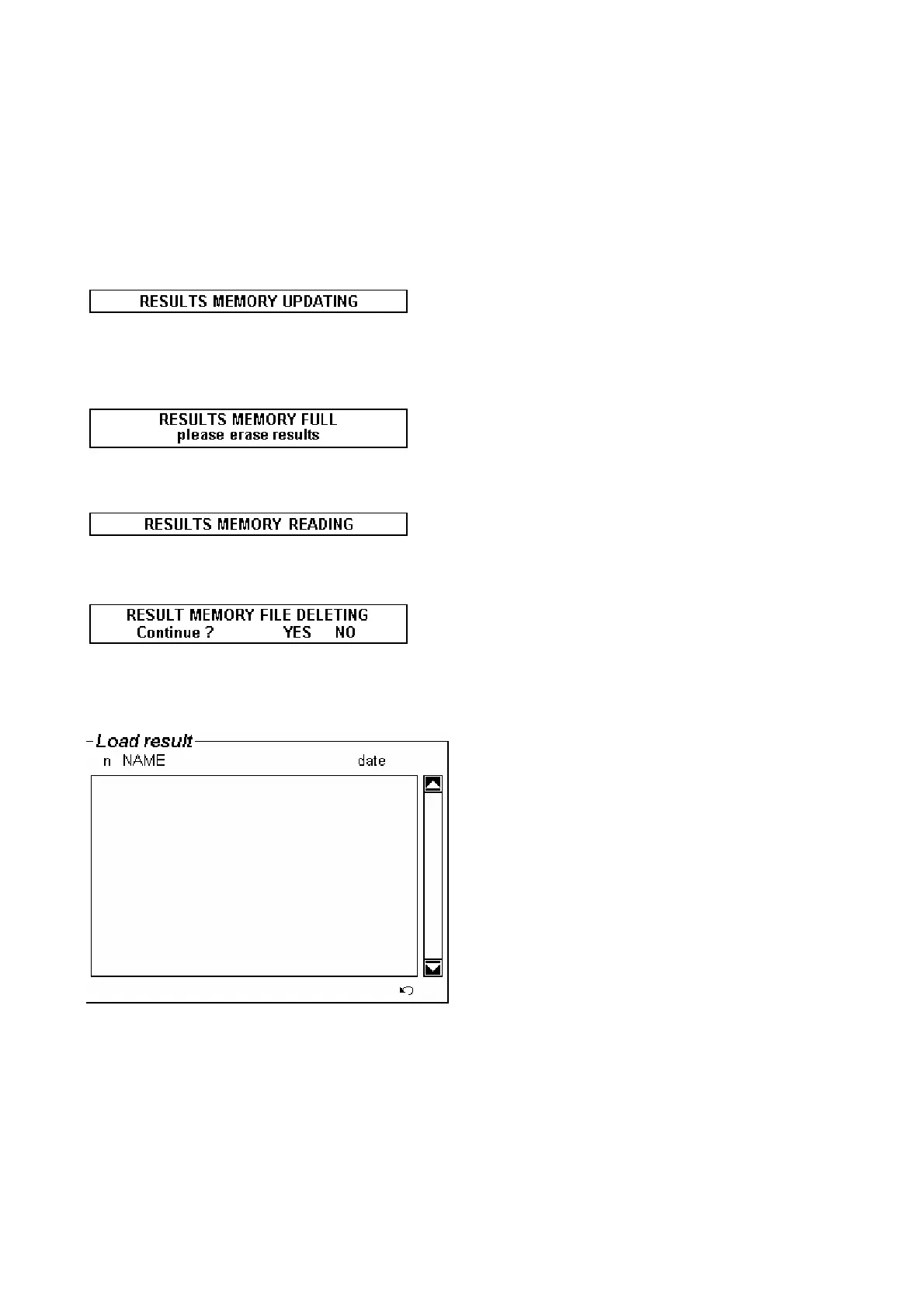
The file recording can take some time: in the meanwhile, the following message is displayed.
If the memory is full, the following message warns the operator. Usually, test results are deleted after
downloading them into the PC.
Also the file reading can take some time: in the meanwhile, the following message is displayed.
When you delete a result, the following message is displayed.
Files are selected by: the progressive number, the Name defined above, the Date of test. The window is
the following.
The following is an example of test result on the PC window.


 To Next Page
 Loading...