Doc. CEI12166 Rev. 1 Pag. 27 Of 47
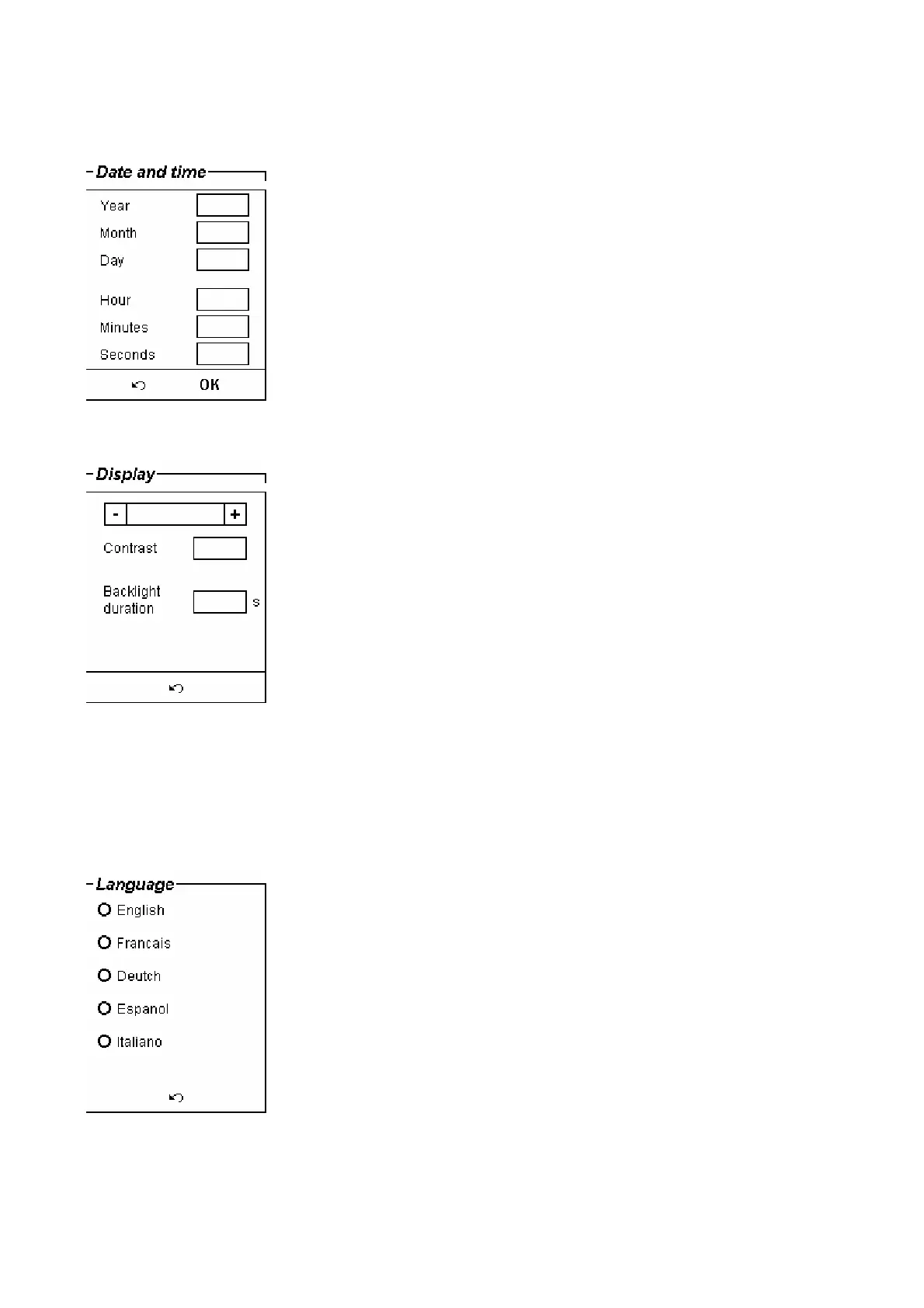
- With the “Display” selection, the following window is opened.
. The contrast can be adjusted pressing on the + and – keys.
. The backlight duration selection is provided for the case of battery operation, as the backlight sinks an
important amount of power.
- With the “Language” selection, the following window is opened.
More languages will be available with further releases.


 To Next Page
 Loading...