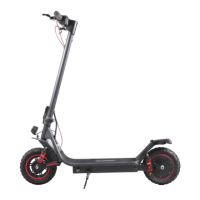
8
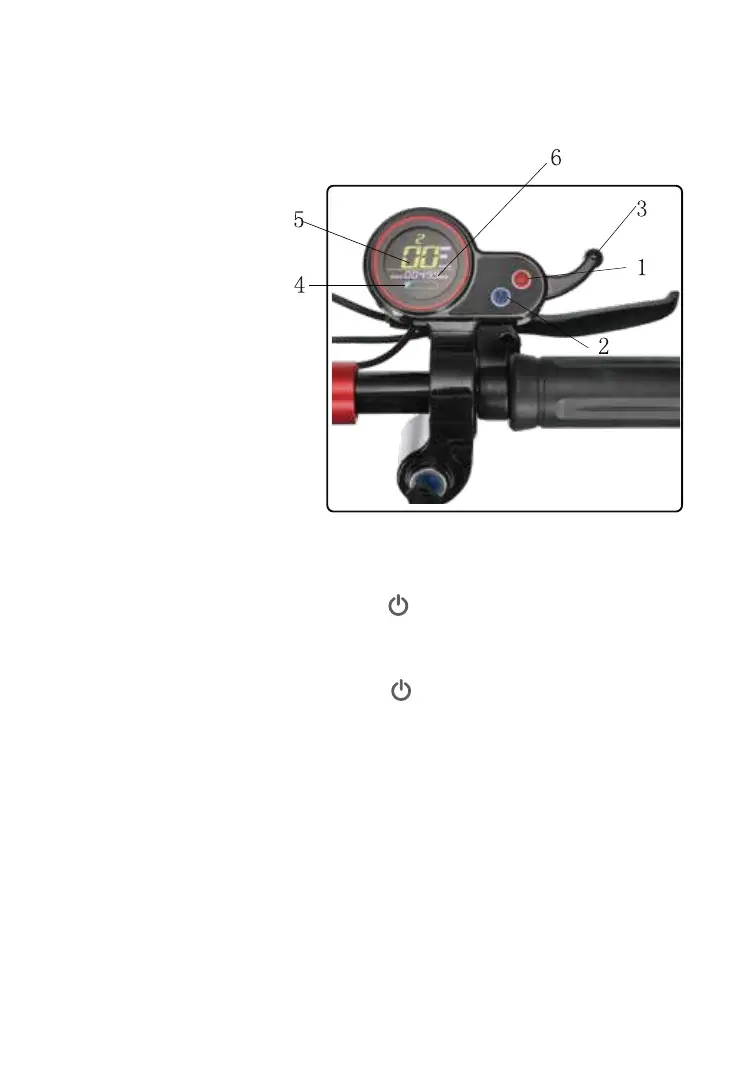
1.Power switch
2.Mode switch
3.Trigger throttle
4.Battery level
5.Speedometer
6.Odometer
Basic operations
Display
1. Power switch
2.In power on status, press the MODE button to choose from
three modes in which mode 3 is the fastest.
3.Other functions
1.1In power off status, press the button for 3 seconds to turn on
the scooter. It will automatically turn off the power if there is no
operation in 5 minutes.
1.2ln power on status, press the button for 3 seconds to turn
off the scooter.
3.1.Error code
3.2.If the battery indicator flashes, please charge your scooter.
When power on, if abnormal occurs, error code will be
showed on the display. Please ask distributor for help.
Picture:


 To Next Page