04
Mode settings:
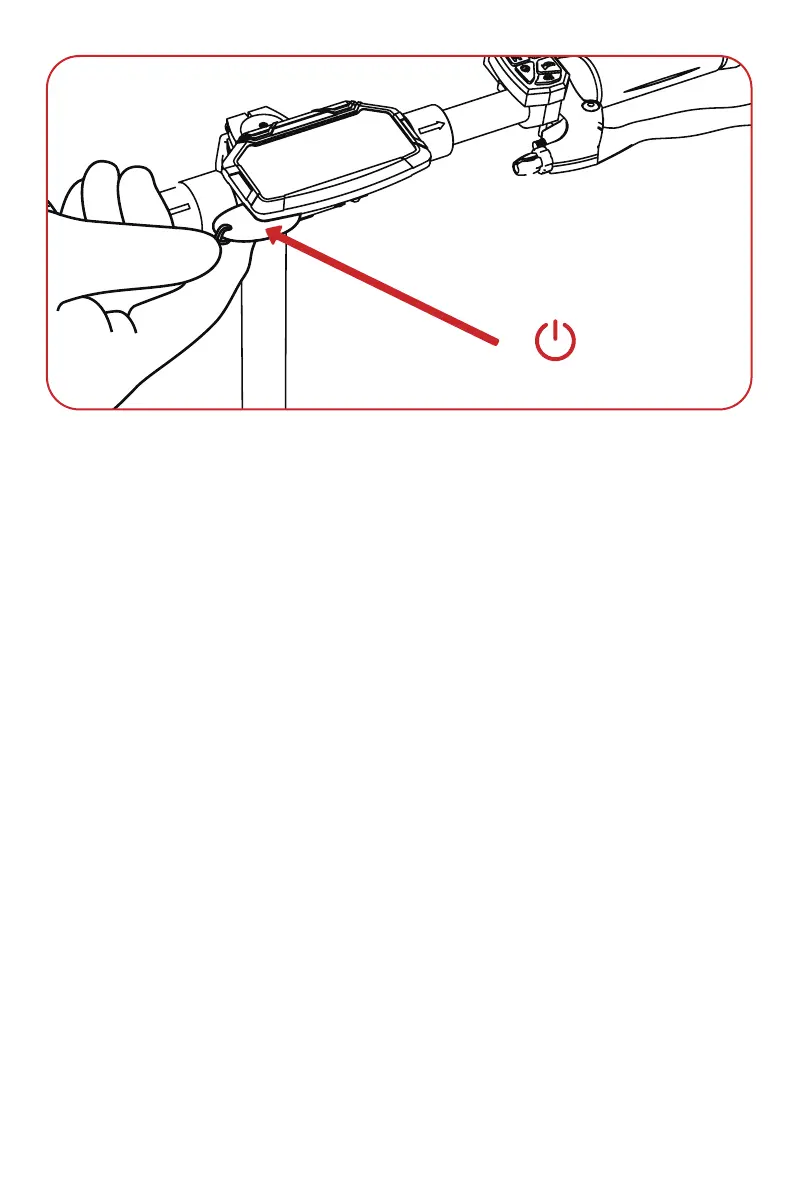
After turning on the scooter, press and hold 'M' and 'Light' buttons for about 10 seconds.
Release the 'Light' button first, then release 'M' button to enter setting mode.
P01: Kilometer/mile selection setting
P02: Voltage level setting: 36V/48V/60V/72V; the default is 48V, and the undervoltage
value is automatically adjusted when the voltage is selected (this item is not recommend-
ed to be adjusted)
P03: Wheel diameter: unit, inch; 8.0-12.0, default 10, increases by 0.5 for each change
(this item is not recommended to be adjusted)
P04: Number of magnetic poles for speed measurement: range: 1-100, default 30
(default value is ideal ) (this item is not recommended to be adjusted)
P05: Cruise selection: 0 means cruise off, 1 means cruise on; after the cruise is turned
on, the cruise icon appears on the display
P06: Zero start/non-zero start setting, 0: zero start; 1: non-zero start
P07: Top speed setting 10%-100%; 00 means 100%
P08: Sleep time setting: 0, sleep off; other numbers are sleep time, range: 1-30; default 5
minutes
P09: Backlight brightness adjustment: Level 1 is the darkest, Level 3 is the brightest
P99: Restore factory default parameters; press and hold the + button for 5 seconds
during P99
ODO: Travel distance reset; long press the + button for 5 seconds at ODO
NFC key


 To Next Page