05
Settings
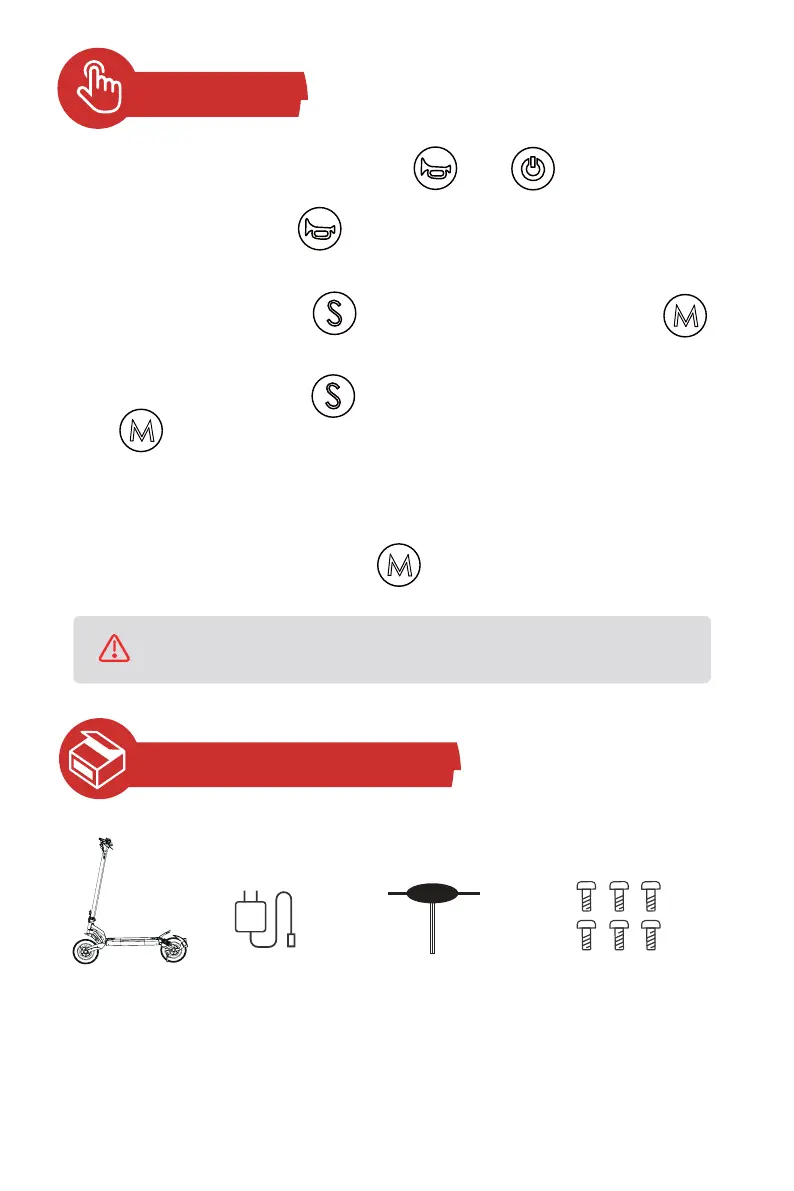
To enter the settings interface, press and hold and simultaneously for 3
seconds after turning on the scooter.
After setting, wait about 6 seconds, the setting will automatically be saved and the
display will return to the main screen.
In the settings interface, press to switch between P1 (zero start/ non-zero start),
P2 (cruise control), and P4 (odometer resetting).
• Cruise control
• Reset odometer
• Zero start/ non-zero start
In the P1 setting interface, press to switch to P10 (non-zero start) or press
to switch to P11 (zero start).
In the P2 setting interface, press to switch to P20 (cruise control turned off) or
press to switch to P21 (cruise control turned on).
Tips: After cruise control is turned on, if the scooter moves at a speed for about 5
seconds, it will keep moving forward at this speed without pressing the thumb accelerator.
In the P4 setting interface, press and hold for 3 seconds.
Package Contents
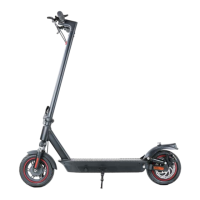
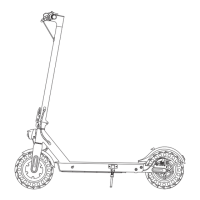
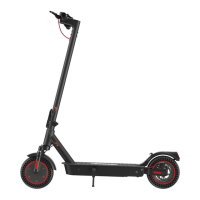
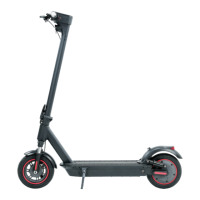
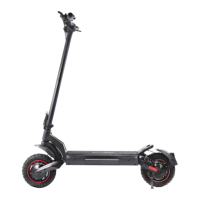
1 x Scooter
6 x Bolts
(including 2 spare bolts)
1 x Charger
1 x T-Handle Hex Key
Carefully check what's included. If anything is missing or damaged, please email iScooter
customer service for support.
* Keep the package box to ship back the scooter if necessary.


 To Next Page