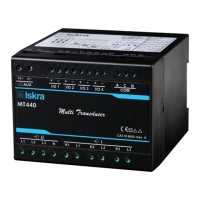
Connection
User’sManual 13
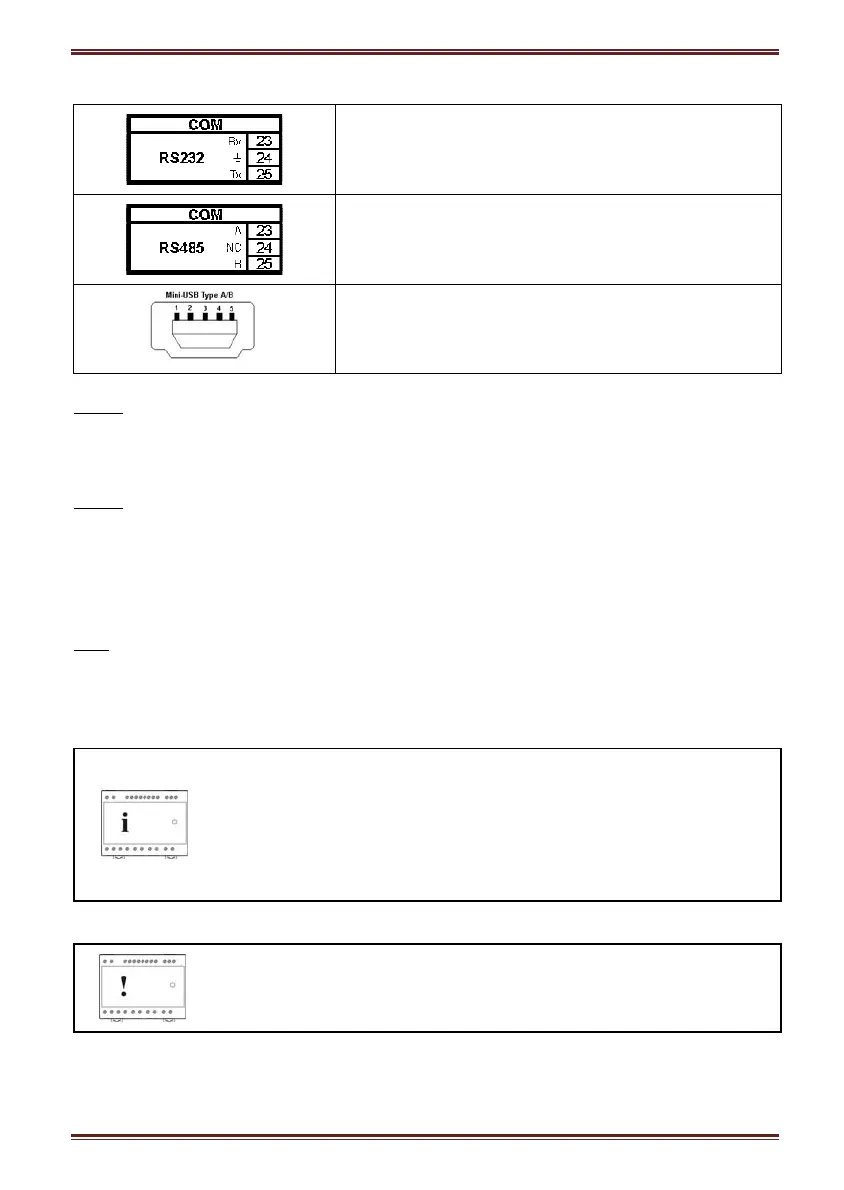
COM1 serial communication port (RS232)
COM1 serial communication port (RS485)
SERVICE communication port (USB)
RS232
RS232 communication is intended for direct connection of the measuring transducer to the
personal computer. It is necessary to provide the corresponding connection of individual
terminals of the screw terminal connector (see a table below).
RS485
RS485 communication is intended for connection of devices to network where several
instruments with RS485 communication are connected to a common communication interface.
We recommend the use of Iskra MIS communication interfaces for best compatibility!
It is necessary to provide the corresponding connection of individual terminals of the screw
terminal connector (see a table below).
USB
USB communication serves as a fast peer-to-terminal data link. The instrument is detected by
host as a USB 2.0 compatible device. The USB connection is provided through a USB standard
Type mini B connector.
Note
When MT440 is connected to a PC through USB communication for the
first time, a user is prompted to install a driver. The driver is automatically
installed during MiQen software installation. It is also provided on the CD,
enclosed in the original shipment package, or can be downloaded from the
Iskra MIS web page www.iskra-mis.si. With this driver installed, USB is
redirected to a serial port, which should be selected when using MiQen
software.
Warning!
Do not remove USB cover permanently!
The USB port should not remain open. It should be closed immediately after the initial setting
through USB port was done and should remain closed during all time of storing & operation. In
case the customer has not put the cover on the USB after the initial setting was done, before


 To Next Page