/
6 Web Management
The web management enables you to view or edit the settings of the Innbox home gateway, or to
configure the plethora of supported functions.
6.1 Accessing the Web Management
What you need:
Make sure that the Innbox home gateway is powered on and connected as described above;
Make sure that your computer is connected to the Innbox and configured as described above;
The IP address of the home gateway – the ;
Login information – the default username is "user" and the default password is "user".
The actual login information could differ from the above
. Please check the label on the
bottom of the device or consult your service provider.
Steps to follow:
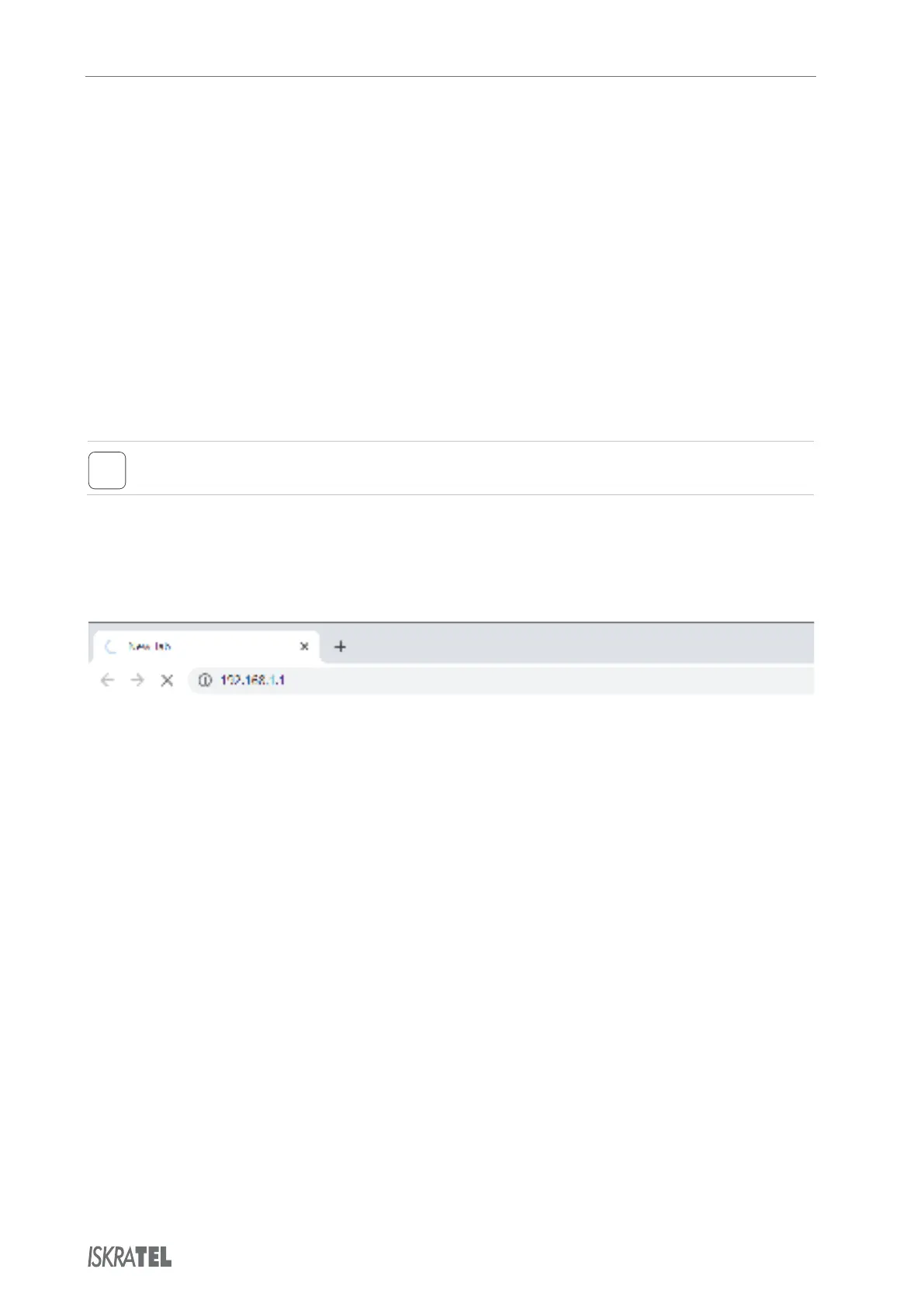
Start an internet browser on your computer;
In the address bar, type "" (or the IP Address if not default) and hit Enter;
Once prompted, enter your login credentials (the username and password).
Follow direction from your service provider to enjoy the vast configuration options that your
Innbox device offers.
© Copyright Iskratel. All rights reserved.



 To Next Page