/
3 Connecting to the Internet and Powering on
What you need:
The Innbox home gateway (included in the package)
The power-supply adapter (included in the package)
Ethernet RJ-
Steps to follow:
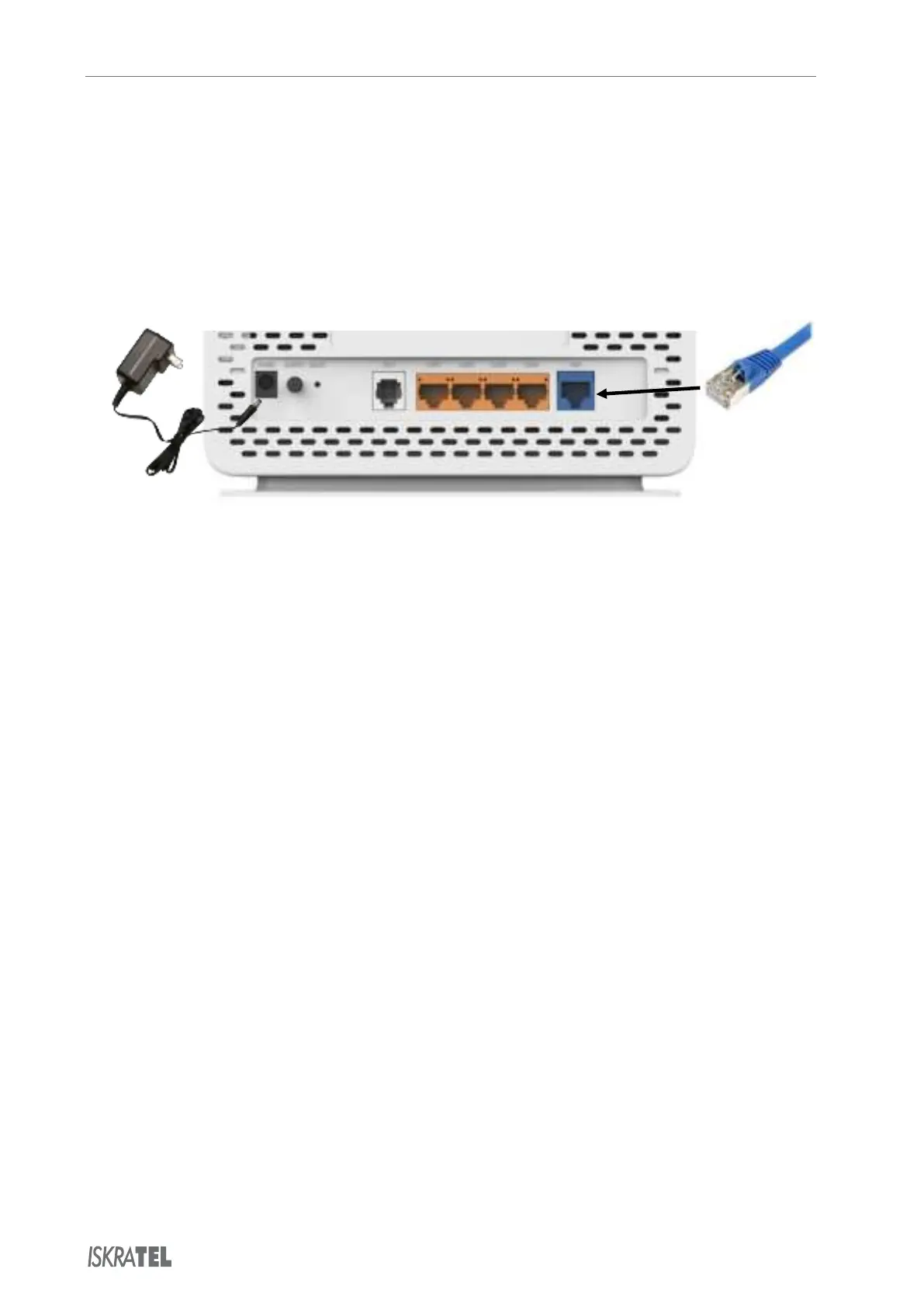
Plug the DC jack of the power adapter to the to the Power port on the home gateway, and the
other end to your electricity power outlet.
Plug one end of the Ethernet cable to the WAN port on your home gateway, and the other end
to your uplink line (Internet Service Provider connection).
The On/Off button is used to turn the home gateway on or off. The device is turned on when
this button is pressed in.
When you turn
for the home gateway to boot up - the Power and WAN lights must be lit.
© Copyright Iskratel. All rights reserved.



 To Next Page