/
2 Description of the Innbox E80
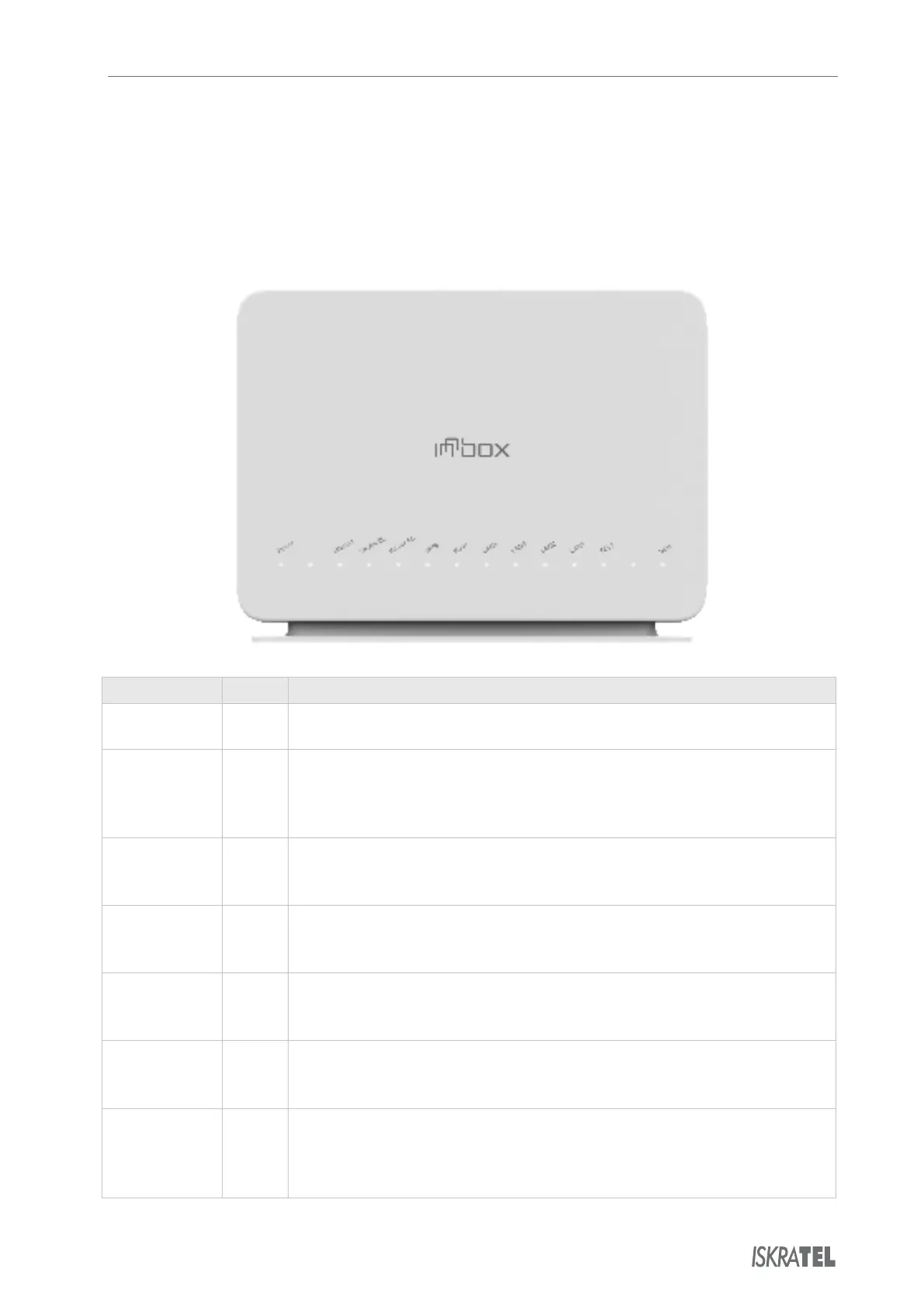
2.1 Front View
The front panel of the Innbox home gateway is equipped with several light indicators that provide
you with the status of the device.
Front panel light indicators
Indicator Colour Significance
On - The device is powered on and operates normally.
Off - The device is powered off.
On - The PPP connection is established.
blinking - The PPP connection is established, broadband traffic activity is in
progress.
Off - The PPP connection is disabled.
On - Wireless connection on the home gateway is enabled.
blinking - Wireless connection is in use.
Off - Wireless connection on the home gateway is disabled.
On - Wireless connection on the home gateway is enabled.
blinking - Wireless connection is in use.
Off - Wireless connection on the home gateway is disabled.
On - Successful WPS (Wi-Fi Protected Setup) connection.
blinking - WPS negotiation is in progress.
Off - WPS is disabled.
On - The WAN connection is established.
blinking - Data transfer activity is in progress.
Off - The WAN connection is disabled.
On - Devices are connected to the home gateway and turned on.
blinking - Data transfer activity is in progress.
Off - No devices are connected to the home gateway, or the devices are
turned off.
© Copyright Iskratel. All rights reserved.



 To Next Page